


Working from a hotel sounds easy until you actually have an important call scheduled.
You may have found a comfortable room, opened your laptop, connected to the hotel Wi-Fi and made yourself a coffee. Then, right when your meeting begins, someone starts talking loudly in the hallway. A housekeeping cart rolls past the door. The air conditioner starts humming. There is traffic outside the window. Maybe the room next door has a television playing loudly.
Suddenly, the quiet workspace you thought you had is not quite so quiet.
For people who travel regularly for work, this is a familiar problem. Hotel rooms are designed primarily for accommodation rather than professional audio. Even a relatively quiet room can have sounds that become surprisingly noticeable when picked up by a laptop microphone.
That can make online meetings more difficult, particularly when you are speaking with clients, colleagues, customers or business partners.
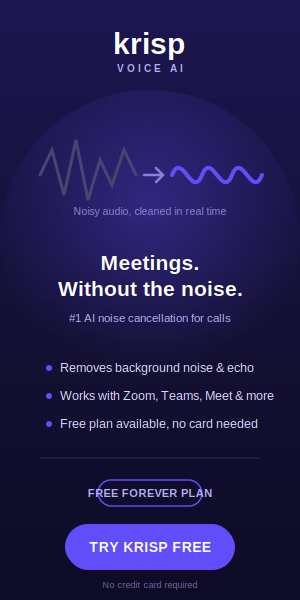
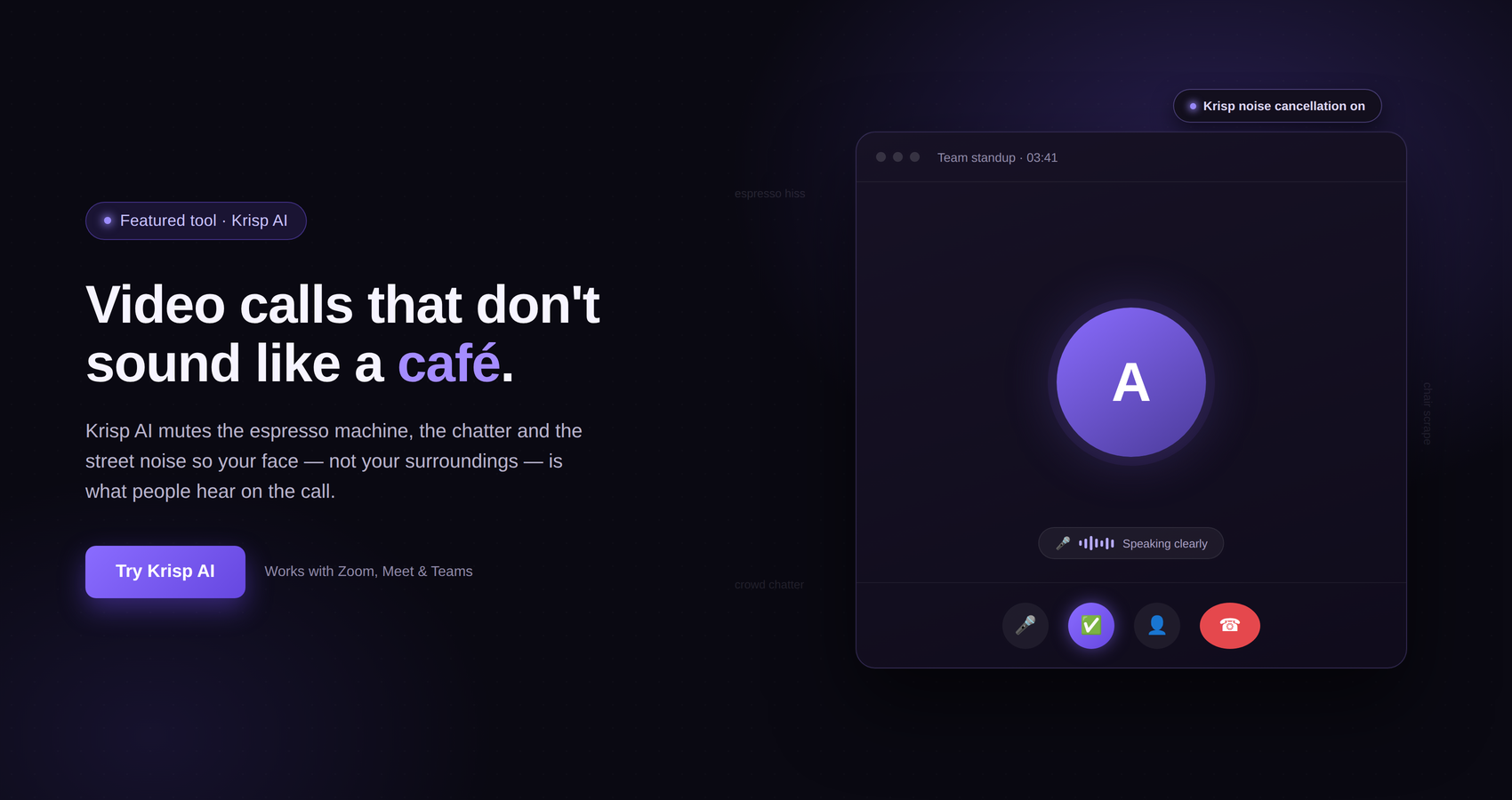
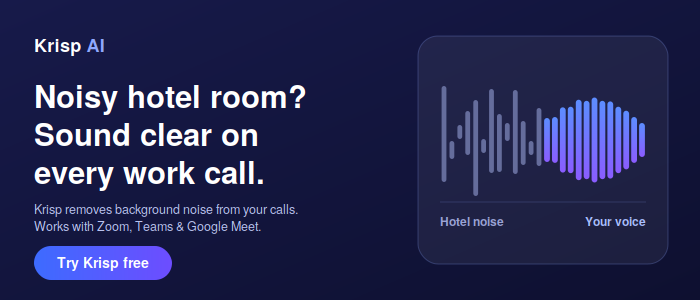
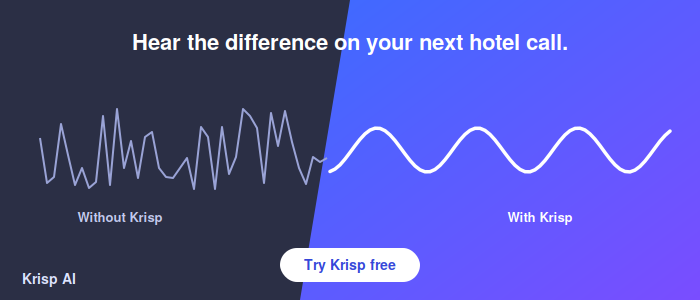
This is where software such as Krisp AI can be useful. Krisp provides AI-powered noise cancellation designed to reduce unwanted background noise from calls by processing the audio from your microphone in real time. Instead of trying to make the entire hotel room silent, the idea is to make the audio you send to the other person clearer.
For someone working while travelling, that distinction can be important. You do not necessarily need a perfectly silent room. You need the people on the other end of your call to be able to hear you clearly.
Hotel rooms can appear quiet when you are sitting in them. However, a microphone does not always experience the room in the same way you do.
When you are sitting at a desk, your brain naturally filters out many background sounds. You may barely notice the air conditioning or traffic outside after a few minutes. A microphone, however, can capture sounds that become part of the audio sent during a meeting.
Common examples include:
Air conditioning and ventilation
Traffic outside the hotel
Construction sounds
People talking in hallways
Doors opening and closing
Housekeeping carts
Televisions in nearby rooms
Keyboard and mouse sounds
Pets or other guests
Cafés or restaurants located below the hotel
General movement around the building
Some sounds may only happen occasionally. Others can continue throughout an entire meeting.
The problem becomes more noticeable when you are taking an important call. You might find yourself worrying about whether the other person can hear what is happening around you instead of concentrating on the conversation.
Krisp’s technology is designed specifically around this type of communication problem. Krisp describes its AI noise cancellation as processing microphone audio and distinguishing human speech from unwanted background sounds in real time.
That means the goal is not to make the hotel room physically quieter. The goal is to make the audio leaving your microphone cleaner.
Krisp is a communication-focused software platform that includes AI-powered noise cancellation along with meeting-related features.
Its noise cancellation technology is designed to identify unwanted sounds in your microphone input and suppress them while preserving the primary speaker’s voice. Krisp explains that its AI noise cancellation works on the audio leaving your microphone, rather than simply reducing what you hear through your headphones.
That is an important difference.
Traditional noise isolation and active noise cancellation in headphones primarily help the person wearing the headphones. Krisp’s AI noise cancellation is aimed at the communication side of the problem. It works on the outgoing audio so the person on the other end of the call can receive a cleaner version of your voice.
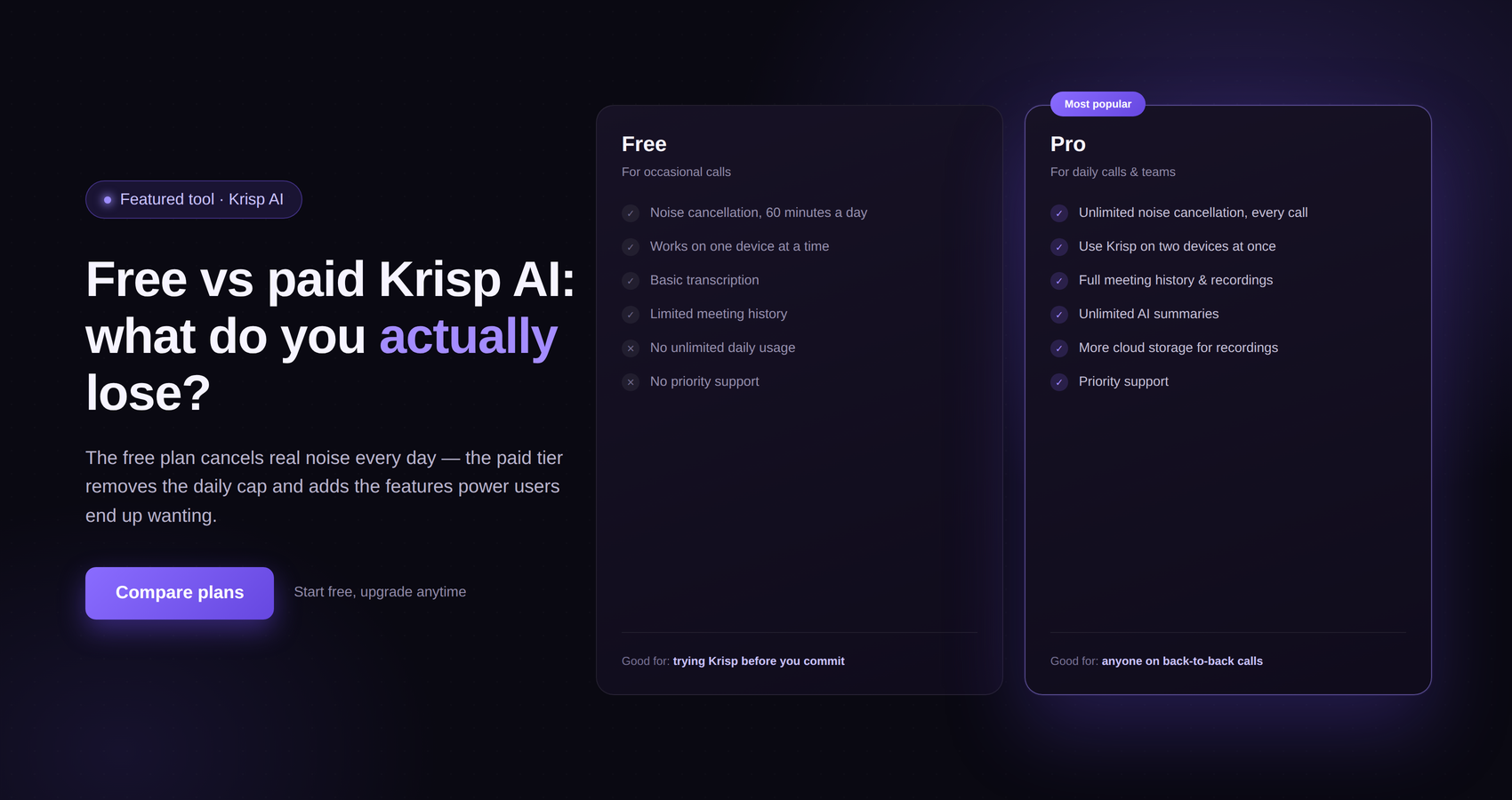
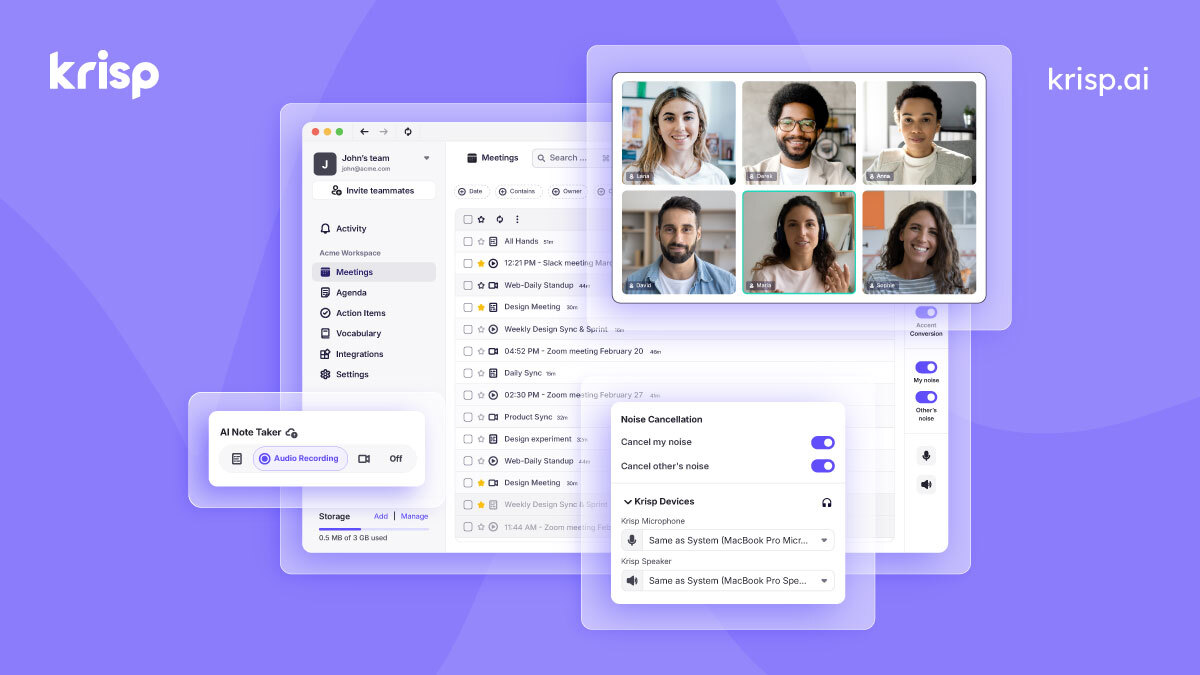
Krisp also offers features beyond basic noise cancellation. Its current plans include meeting transcription, AI notes and action items, audio and video recording, AI chat and other meeting-related capabilities, depending on the plan.
For a traveller who mainly wants clearer calls, however, the noise cancellation feature is likely to be the most immediately relevant.
Imagine that you have a video meeting scheduled for 10:00 a.m.
You have another guest walking past your door. The hotel air conditioner is running. Cars are passing outside. You have your laptop sitting on the desk and your regular headset connected.
Without some form of noise management, your microphone may pick up at least some of those sounds.
Krisp is designed to place an AI-based processing layer between the microphone and the call. Its technology analyses the audio and attempts to distinguish the primary human voice from unwanted background sounds.
This can be particularly useful when the noise is difficult to control physically.
You cannot ask the hotel to stop every car outside.
You cannot control when another guest walks down the corridor.
You cannot necessarily turn off the hotel’s ventilation system.
And you certainly cannot guarantee that the room next door will remain silent for the duration of your meeting.
Instead of trying to eliminate every source of noise, Krisp gives you another option: reduce the amount of unwanted noise that reaches the other participants through your microphone.
One of the most frustrating hotel sounds is hallway noise.
Hotel corridors are not always particularly quiet. Guests may be talking, children may be moving around, luggage wheels may be rolling across the floor and doors may open and close throughout the day.
You might barely notice those sounds while working alone.
During a conference call, they can become much more obvious.
Krisp has specifically discussed its ability to deal with background voices and other unwanted sounds. Its Voice Cancellation feature was developed to address competing voices separately from other types of background noise.
This can be relevant when travelling because background speech is one of the sounds that can make a remote call feel noticeably less professional.
There is still a practical limitation to remember: noise cancellation is not the same thing as physically soundproofing a room. Krisp itself has discussed limitations in voice cancellation, including situations where voices can still pass through depending on characteristics of the speaker and the audio environment.
So the best approach is to combine Krisp with sensible room selection and basic preparation.
Air conditioning is another common source of background noise.
It may sound relatively quiet in person, but a constant mechanical hum can become part of a microphone recording. The same applies to ventilation systems and other equipment running continuously in a hotel.
Krisp’s AI noise cancellation is designed to suppress background noise while preserving the speaker’s voice. Krisp’s own technical explanations describe its technology as identifying unwanted sounds such as environmental noise and separating them from human speech.
This can make a difference when you are working in a room where turning the source of the noise off is not practical.
For example, you may not want to switch off the air conditioning simply to make a call. Depending on the climate and the room, that could make the meeting more uncomfortable rather than better.
Using software-based noise cancellation means you can keep your workspace comfortable while trying to improve the outgoing audio.
Traffic is another challenge for travellers.
A hotel room overlooking a busy road can be surprisingly noisy, particularly during daytime hours. Horns, engines, motorcycles and general street activity can all create background sound.
Closing the windows can help, but it does not always eliminate the problem. Some hotels have older windows, and traffic noise can still enter through the building.
This is another situation where AI noise cancellation can be useful.
Krisp explains that its AI-based system is designed to identify background sounds and suppress them from the microphone signal in real time.
The result you are aiming for is simple: your voice should remain the important part of the conversation.
Of course, the amount of noise reduction will depend on the actual environment, microphone and other factors. Noise cancellation should not be treated as a guarantee that every sound will disappear.
Still, having an additional layer of audio processing can be valuable when the alternative is asking everyone on the call to tolerate the noise coming from your hotel room.
Noise is not the only audio problem you can encounter in a hotel.
Room acoustics matter too.
A hotel room can have hard surfaces such as walls, windows, desks and floors. Depending on the layout and furnishings, your voice may reflect around the room and create an echo or reverberant quality.
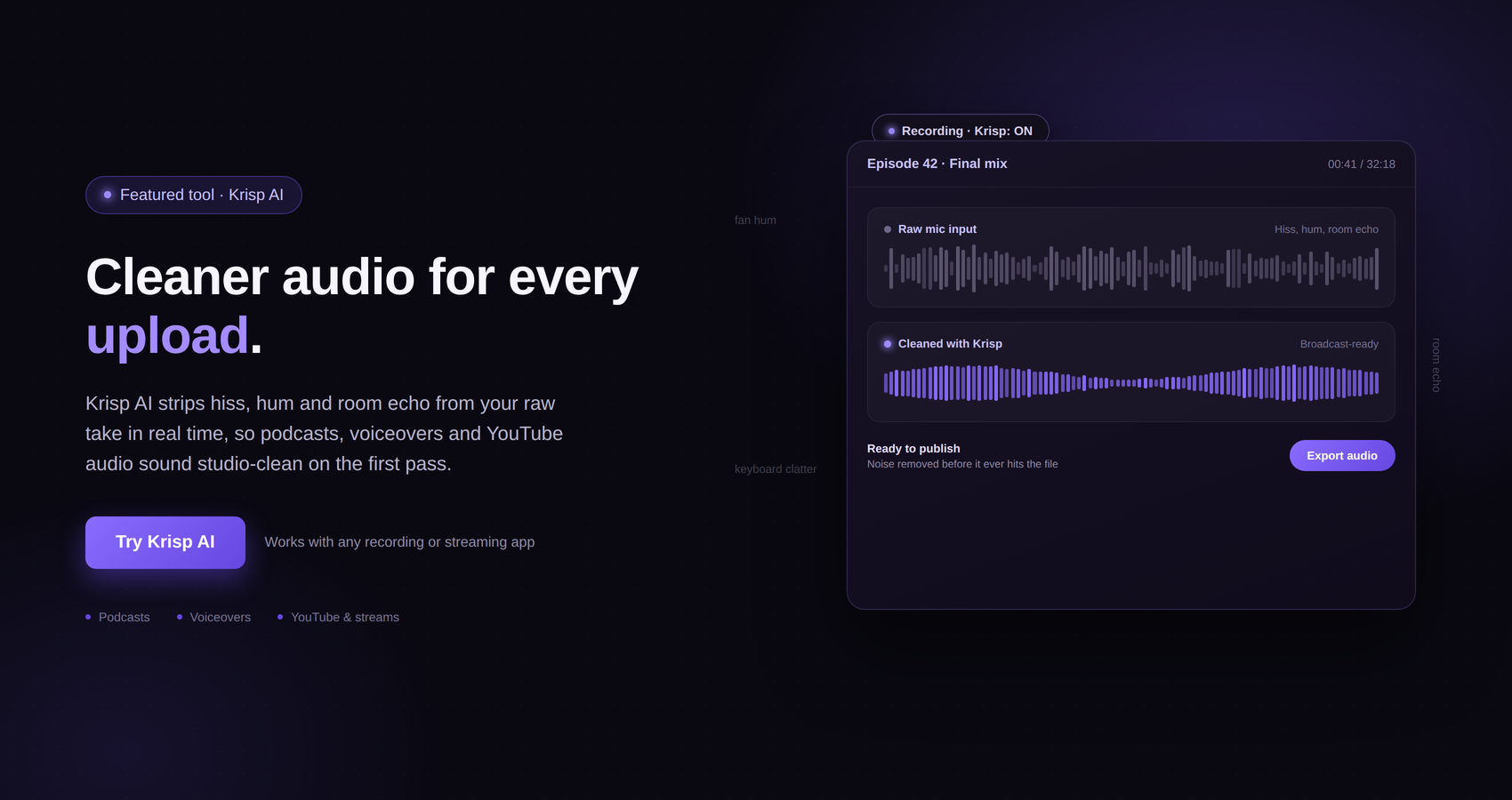
Krisp has previously described technology designed to address room echo and acoustic echo during online meetings. Its documentation explains that room echo can occur when a room’s surfaces cause your voice to reverberate and become distorted.
This is particularly relevant to travellers because you generally have little control over the acoustic design of a hotel room.
You cannot install acoustic panels.
You cannot change the walls.
You cannot redesign the furniture.
You can, however, make a few practical changes to your setup and use software designed to improve call audio.
Krisp can help with audio processing, but it should not be your only preparation.
The easiest way to improve a work call is to combine several small improvements.
First, choose the quietest part of the room. If your desk is directly beside the door, moving it farther away may reduce hallway noise.
Second, close the windows if traffic is loud.
Third, check whether the air conditioning is creating excessive noise.
Fourth, use a reliable microphone or headset if you have one available.
Fifth, test your audio before the meeting starts.
And finally, activate your noise cancellation settings before joining an important call.
This approach is more realistic than expecting one piece of software to solve every possible audio problem.
Krisp is most useful as one part of the overall setup.
Some travellers assume they need to choose between a headset and noise-cancellation software.
They serve different purposes.
A headset can improve the sound you hear and may also provide a better microphone than your laptop. Krisp can then provide software-based processing for the microphone audio.
Krisp’s technology is designed to work as an audio processing layer rather than requiring you to completely replace your existing setup. Krisp has described its software as working alongside existing calling software and headsets.
This is useful for travellers because it means you can keep using equipment you are already comfortable with.
If you travel frequently, a compact headset plus software noise cancellation can be a practical combination.
You do not necessarily need to carry large amounts of specialist audio equipment just to make a business call from a hotel.
The basic concept is relatively straightforward.
Your microphone captures your voice along with sounds from the surrounding environment.
Krisp processes that audio using its AI-based noise cancellation technology.
The processed audio is then sent into your meeting or calling application.
The other participants hear the processed version rather than simply receiving the raw microphone signal.
Krisp describes its AI noise cancellation as operating in real time and distinguishing human voice from background noise.
The benefit is that you do not need to manually mute yourself every time something happens in the background.
That can make conversations feel more natural.
Instead of constantly thinking, “Is my microphone picking that up?”, you can focus more on the actual meeting.
Although a hotel room is an obvious example, travellers are not the only people who can benefit from noise cancellation.
The same issue appears in many modern working environments.
You could be working from:
An airport lounge
A train
A coworking space
A café
A shared office
A conference venue
A rented apartment
A home office
A busy hotel lobby
The environment changes, but the basic problem remains the same.
You want your voice to be clear even when the environment around you is not.
This is one reason software-based noise cancellation has become increasingly relevant to remote workers, freelancers, sales professionals, customer service teams and people who regularly attend online meetings.
Krisp has positioned its technology across a range of calling and communication environments, including business communications and contact centers.
For individual travellers, the appeal is much simpler: clearer conversations without needing a perfectly quiet location.
Background conversations can be particularly distracting during a work call.
Imagine you are staying in a hotel and there is a small group talking outside your room.
You may still be able to hear them through the door.
Your microphone may also pick them up.
Krisp has developed voice cancellation capabilities specifically intended to distinguish competing voices from the primary speaker. Its Voice Cancellation technology allows users to toggle the feature depending on whether other people need to participate in the same space.
That distinction is useful.
If you are the only person speaking from your hotel room, you want your voice to be the focus.
If a colleague is sitting beside you and needs to join the same call, you may need a different setup.
No software can completely replace good microphone positioning and sensible room selection, but features such as these can provide another layer of control.
This is where background noise becomes more than a minor inconvenience.
If you are speaking casually with a colleague, a little hotel noise may not matter.
A client presentation can be different.
A sales call can be different.
A job interview can be different.
A discussion about an important project can be different.
When the conversation matters, you want to spend your attention on what the other person is saying rather than worrying about whether the microphone is picking up the surroundings.
Krisp’s purpose is closely aligned with that problem. Its core noise cancellation technology is designed to remove unwanted background noise while maintaining the clarity of the primary speaker’s voice.
That does not mean Krisp guarantees perfect audio in every environment. The company itself discusses the technical challenge of balancing noise removal with preservation of natural speech.
But it can give travellers another tool for dealing with unpredictable environments.
Krisp has expanded beyond being simply a noise cancellation application.
Its current product offering includes an AI Meeting Assistant with features such as transcription, AI-generated notes and action items, audio and video recording, AI chat and other meeting functionality. Availability varies by plan.
For someone who travels for work, these features can be useful because meetings do not stop being important simply because you are away from your normal office.
You may have a meeting while travelling between cities.
You may be joining a call from a hotel after a long day of meetings.
You may need to remember action items discussed while working abroad.
Having meeting-related tools alongside audio processing can make the same application useful beyond the immediate problem of background noise.
However, if all you need is clearer audio, there is no reason to complicate the setup. Krisp’s noise cancellation remains one of its central features.
The exact interface and available features can change over time, but the basic workflow is straightforward.
Start by installing and setting up Krisp on your device.
Then select Krisp as the relevant microphone and speaker option in your calling or meeting setup, where applicable.
Before your important meeting, make a short test call or recording.
Listen to the result.
Check whether your voice sounds natural and whether the background noise has been reduced.
Then join your actual meeting.
The advantage of testing beforehand is that you can identify problems before an important client or team call begins.
It is also worth checking which microphone your meeting application is actually using. Having Krisp enabled does not help if your meeting software is still taking audio from a different input.
Yes.
Noise cancellation should not be treated as a replacement for a quiet environment.
If you have the choice between a quiet hotel room and a room beside a busy elevator, choose the quieter room.
If you can move away from a television, do so.
If the hotel offers a business center or meeting room and you need an especially important conversation, that may still be a better option.
Krisp works best as an additional layer rather than an excuse to ignore your surroundings.
Think of it this way: the quieter your environment is naturally, the less work your audio technology has to do.
But when you cannot control the environment, noise cancellation gives you another option.
Before an important online meeting from a hotel, run through this quick checklist.
Choose the room carefully.
If possible, request a room away from elevators, busy common areas and obvious sources of noise.
Close the window.
If traffic is audible outside, closing the window can make a noticeable difference.
Check the air conditioning.
Listen for loud fans or mechanical sounds before the meeting starts.
Position your microphone correctly.
Keep it close enough to capture your voice clearly without putting it directly against your mouth.
Use headphones or a headset when appropriate.
This can make it easier to hear the other participants and can improve your overall setup.
Open Krisp before the call.
Make sure the correct audio settings are selected.
Test your microphone.
Do not wait until the meeting starts to discover that your computer is using the wrong microphone.
Keep a backup option available.
If the hotel environment suddenly becomes noisy, be prepared to move to another part of the room or another location.
These steps take only a few minutes but can make a work call much less stressful.
For frequent travellers, the biggest advantage of a tool like Krisp is flexibility.
Your working environment changes constantly when you travel.
At home, you may have a dedicated desk.
At the office, you may have a meeting room.
On the road, you might have none of those things.
One day you are working from a quiet hotel.
The next day you are sitting in an airport lounge.
The day after that you may be working from a café.
You cannot carry the same physical environment with you everywhere.
Software can be easier to carry.
Krisp’s current offering is designed around communication across different environments, with noise cancellation available alongside meeting and audio features.
That makes it particularly relevant to people who work from locations that are not acoustically controlled.
It is also important to have realistic expectations.
Krisp does not physically soundproof a hotel room.
It does not stop people from making noise outside your door.
It does not prevent traffic from passing outside the building.
It does not turn a poor microphone into a professional studio microphone.
And noise cancellation cannot guarantee that every sound will be removed.
AI-based noise cancellation involves a balance between suppressing unwanted sound and preserving the speaker’s voice. Krisp has explained that evaluating noise cancellation involves considering both noise removal and speech quality, because excessive processing can affect how natural the voice sounds.
That is why it is still worth choosing a sensible location and testing your setup.
Krisp should be viewed as a useful part of your communication setup, not a substitute for common sense.
There is a psychological side to this problem too.
When you know you have an important call coming up, unexpected noise can be distracting even before it actually becomes a problem.
You might hear someone outside your room and immediately wonder whether they will continue talking.
You might notice the air conditioner becoming louder.
You might hear traffic and start checking your microphone settings.
Having a tool such as Krisp available can remove some of that uncertainty.
You know you have an additional layer of noise management available if the environment becomes less than ideal.
That does not mean you stop preparing.
It simply means you have one more option when travelling.
Working from a hotel room does not have to mean accepting poor-quality audio.
The reality of travelling for work is that you cannot always control your surroundings. Hotel hallways, traffic, air conditioning, nearby conversations and other everyday sounds can appear at exactly the wrong moment.
Krisp AI is designed to address part of that problem through real-time AI-powered noise cancellation. Instead of trying to make the entire room silent, its technology works on the audio leaving your microphone, identifying and suppressing unwanted background sounds while aiming to preserve the primary speaker’s voice.
That makes the concept particularly useful for people who work from changing environments.
A good hotel-room setup does not need to be complicated. Choose a reasonably quiet location, use a decent microphone or headset, close the window if traffic is loud, test your audio and use Krisp to provide an additional layer of noise control.
Krisp also offers broader meeting features, including transcription, AI notes and action items, audio and video recording and other meeting tools depending on the plan you choose.
For someone who spends a lot of time travelling, that combination can be practical. Your hotel room may not always be the perfect office, but your work calls can still be much easier to manage.
The next time you are sitting at a hotel desk waiting for an important meeting to begin and hear someone rolling a suitcase down the hallway, you do not necessarily have to panic and search for a new location.
Sometimes, a better audio setup can make all the difference.
And that is where Krisp can fit into the traveler’s toolkit: not by making the hotel room silent, but by helping make your voice the part of the conversation that matters most.