


Working while traveling sounds great until you actually have to take an important meeting from an airport gate or answer a client call from a busy café.
The laptop is open, the Wi-Fi is connected, and you have found a place to sit. Then the announcements begin. Someone starts talking loudly nearby. A coffee machine starts steaming. People walk past your table. Your phone keeps buzzing. Maybe the person sitting next to you is having a conversation that seems to get louder every few minutes.
For travelers, remote workers, freelancers, consultants, creators, and anyone who regularly works away from a traditional office, these situations are not unusual. The challenge is not always finding a place to work. The harder part can be communicating clearly once you are there.
This is where having the right collection of travel-friendly work tools can make a noticeable difference.
A good setup does not necessarily mean carrying a huge amount of equipment. A laptop, reliable internet connection, headphones, a portable charger, and a few useful software tools can be enough for many people. When meetings and calls are part of the working day, however, audio deserves particular attention.
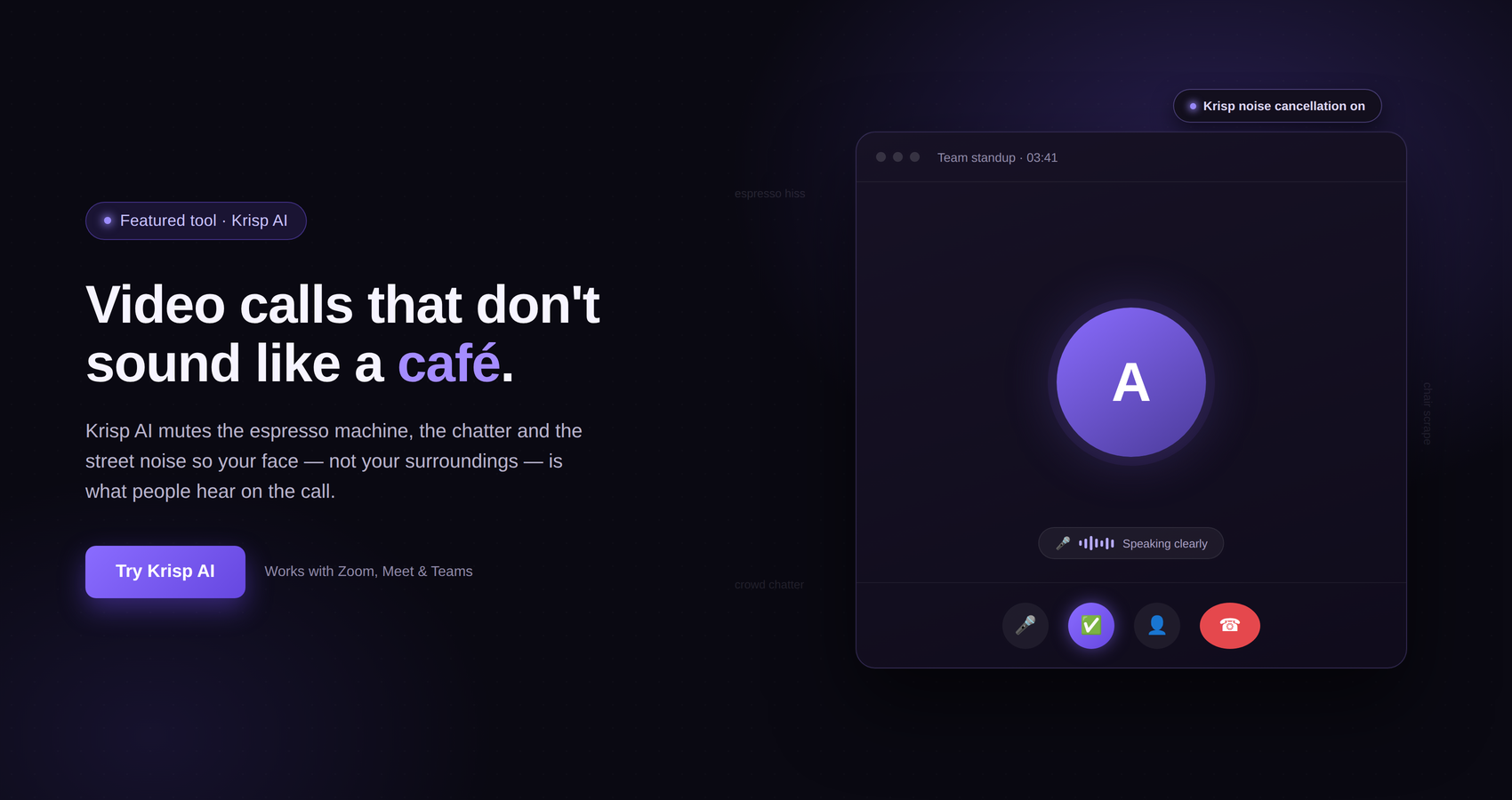
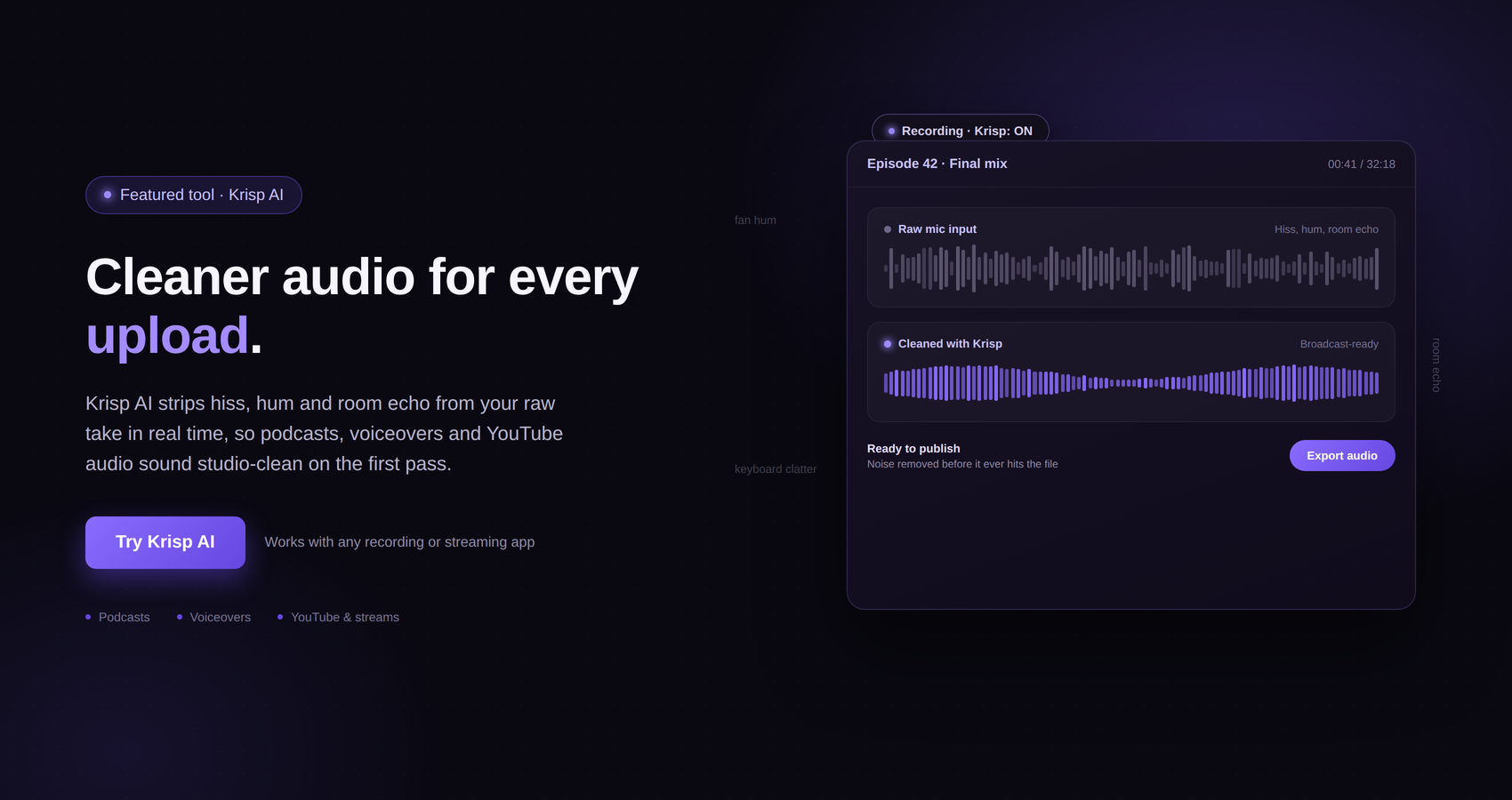
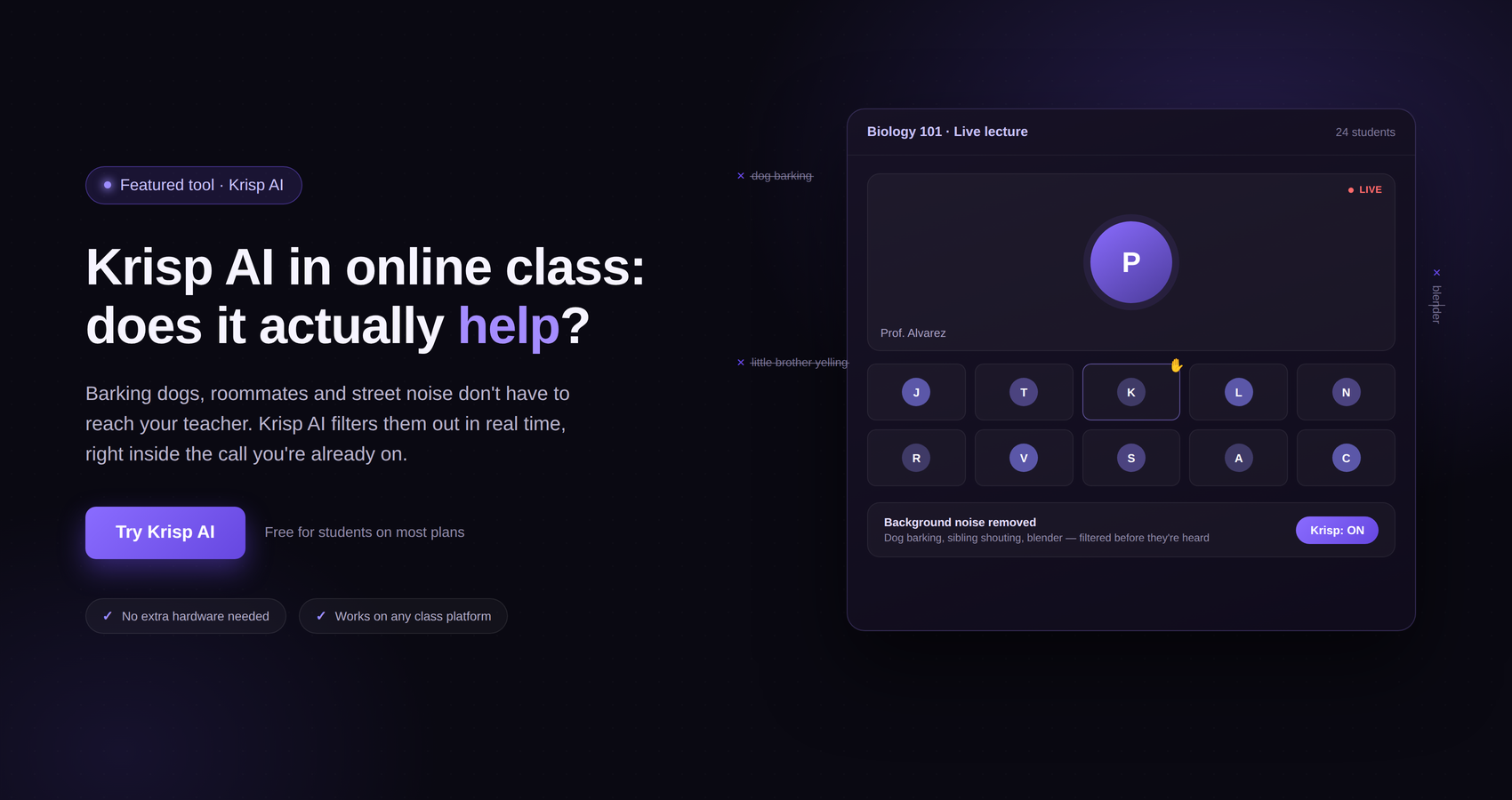
One tool worth knowing about is Krisp, an AI-powered communication application designed to deal with unwanted sounds during online calls. Krisp’s technology is designed to remove background noise and room echo while helping preserve the speaker’s voice. Its features have also expanded beyond noise cancellation into areas such as AI meeting notes, transcription, recording, and other meeting-related capabilities.
For someone working from an airport or café, the noise-cancellation side of Krisp is particularly relevant.
This guide looks at the tools that can make working from public places easier, why audio can be such a problem in these environments, and where Krisp fits into a practical mobile-work setup.
There is something appealing about working from a café or airport.
You can change your surroundings, work between flights, make use of time that would otherwise be wasted, and avoid being tied to a hotel room. For digital workers, these locations can become temporary offices.
The problem is that neither environment was designed specifically for professional meetings.
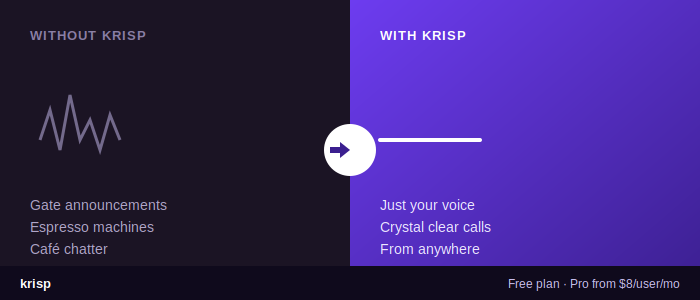
An airport has announcements, rolling suitcases, conversations, security queues, aircraft noise, and constant movement. Even relatively quiet seating areas can suddenly become noisy when an announcement comes over the speakers.
Cafés have their own challenges. There can be conversations at nearby tables, music playing in the background, coffee grinders, blenders, dishes being moved around, doors opening and closing, and general customer activity.
All of those sounds may be manageable when you are sitting there as a customer. They become much more noticeable when you are trying to have a serious conversation with someone who is thousands of miles away.
There is another issue too.
You may be able to hear the person on the other end of the call perfectly well because you are wearing headphones. That does not necessarily mean they can hear you clearly.
Your microphone can pick up considerably more of your surroundings than you realize.
This is why a reliable audio setup should be considered just as important as having a good laptop and internet connection.
Before getting into Krisp specifically, it helps to look at the broader setup.
A useful mobile-work toolkit does not have to be complicated. The exact equipment will depend on the type of work you do, but several categories are worth considering.
The first is a reliable laptop. For people who work while traveling, portability matters because every extra kilogram eventually becomes noticeable.
The second is a stable internet connection. Airport and café Wi-Fi can be useful, but it is sensible to have a backup option when an important meeting depends on being online. Depending on your destination, that could mean a mobile hotspot, local SIM, eSIM, or another form of mobile connectivity.
The third is a good pair of headphones or a headset. Headphones can make it much easier to concentrate and hear the other participants in a noisy environment.
The fourth is a portable charger or power bank. Finding a quiet corner at an airport is not particularly useful if your laptop battery is almost empty.
The fifth is software that helps deal with the limitations of working in public places.
This last category is where Krisp can become useful.
Krisp is a communication application built around AI-powered audio processing. One of its best-known functions is noise cancellation for online calls.
The idea is relatively straightforward.
Instead of expecting you to find a perfectly silent environment every time you need to make a call, Krisp adds a software layer between your microphone, speakers, and communication application. Its noise-cancellation technology is designed to identify unwanted sounds and suppress them while preserving the main speaker’s voice.
Krisp has described its technology as being designed to handle background noise, room echo, and other unwanted sounds during online communication. Its own technical material also explains that noise cancellation involves balancing the removal of unwanted sounds with preservation of speech quality.
That distinction is important.
Noise cancellation is not simply about making everything around you disappear. A useful system needs to remove distractions without making your own voice sound unnatural.
For someone working from a quiet home office, this may be convenient.
For someone sitting beside a busy airport gate or in a crowded café, it can be much more valuable.
Imagine you are sitting in a café with your laptop open.
There are three tables occupied around you. Someone is ordering coffee. A grinder is running behind the counter. Two people at the next table are discussing their weekend plans, and a server is moving cups around.
You have a video meeting in five minutes.
You could try to move somewhere quieter, but perhaps there is nowhere else available. You could also tell everyone on the call that you are in a café and hope they can hear you.
Another option is to use a noise-cancellation application such as Krisp as part of your setup.
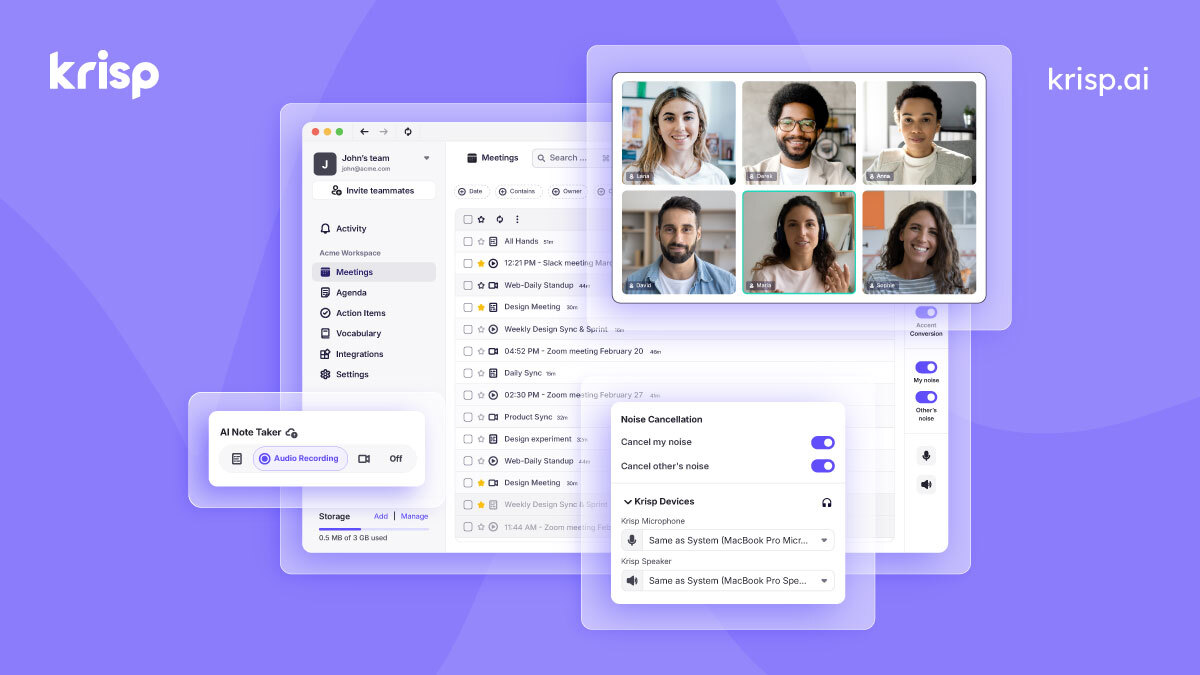
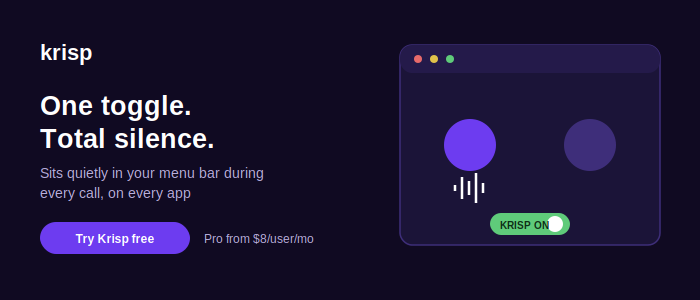
Krisp’s noise cancellation is designed to filter unwanted sounds from your microphone input. Krisp’s own guidance explains that users can select the Krisp microphone in supported meeting applications and enable its noise-removal function.
This means that the physical environment does not necessarily have to be completely silent for you to have a usable professional conversation.
That does not mean you should deliberately sit beside a coffee grinder for an important presentation. Good positioning and a reasonable microphone still matter.
What Krisp can do is provide another layer between the surrounding environment and your call.
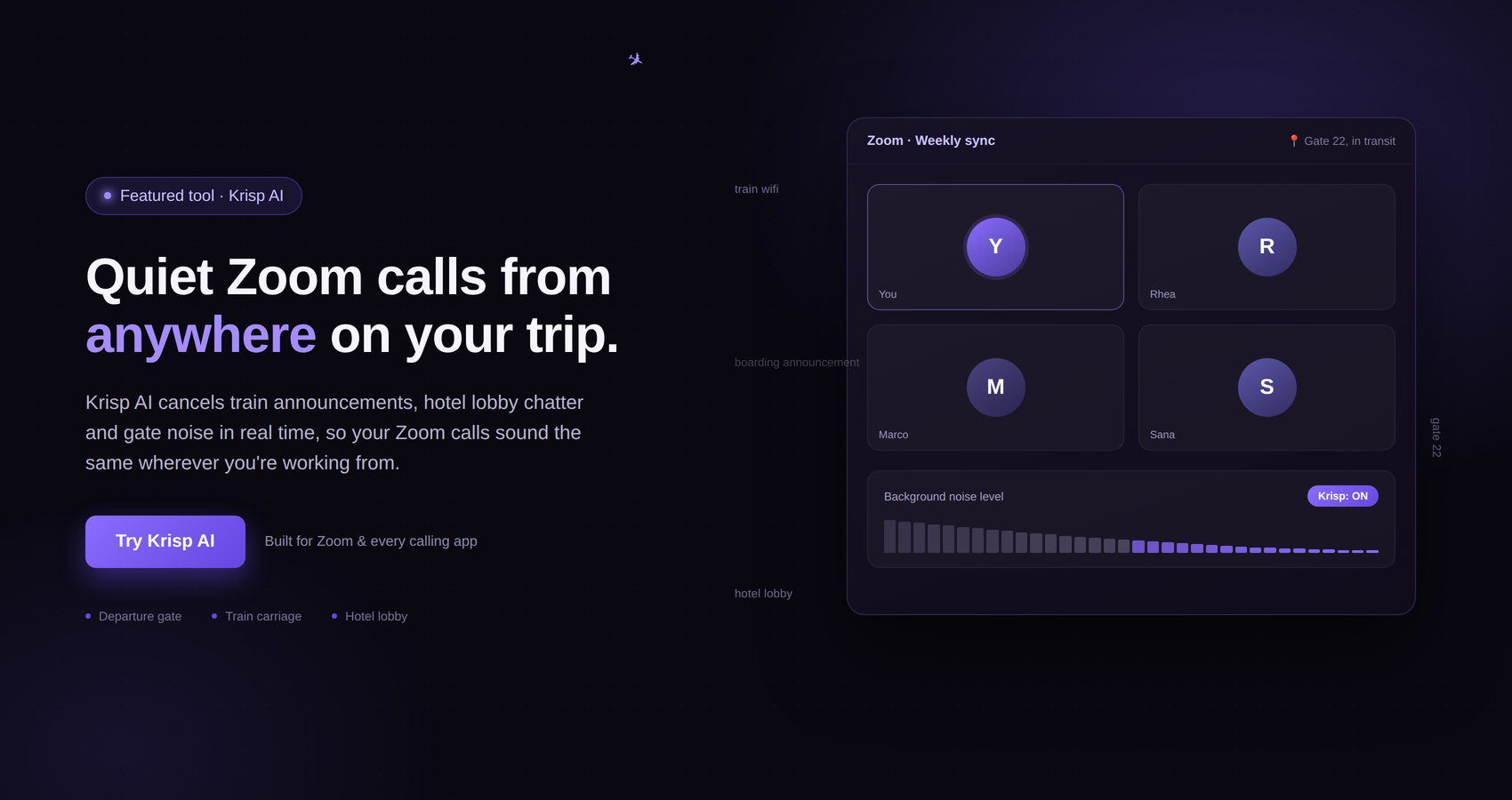
Airports are an especially interesting use case because the noise can change without warning.
You might sit down in a relatively quiet area and begin a meeting. Five minutes later, an announcement plays over the speakers.
A family walks past.
Someone pulls a suitcase across the floor.
A boarding call begins.
A nearby passenger starts a phone conversation.
These are not sounds you can control.
Krisp is designed for exactly this broader category of problem: unwanted environmental sounds affecting online communication.
Its technology has been developed to address different types of background sounds and acoustic conditions, including noise and room echo. Krisp has also specifically discussed noisy environments such as airports in its voice technology material.
For travelers, that makes the concept particularly practical.
You are not trying to turn an airport into a recording studio. You are simply trying to make your voice easier for the person on the other end to understand.
One reason Krisp deserves attention is that its current product is broader than the noise-cancellation application many people originally associated with the brand.
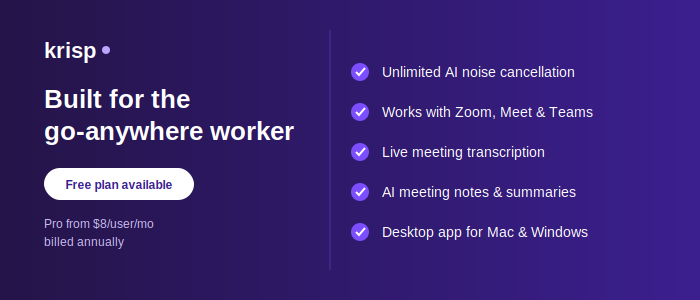
Krisp’s current offering includes AI meeting features alongside noise cancellation. Its pricing page lists capabilities such as AI note-taking, transcription, audio and video recording, AI notes and action items, multilingual transcription, and AI chat, depending on the plan.
This creates an interesting use case for people who work while traveling.
Suppose you take a meeting from an airport.
You may already be dealing with several distractions. After the call, you may also need to remember what was discussed, identify action items, or review the conversation.
Having meeting-related AI features available alongside audio tools can reduce the number of separate applications you need to manage.
That can be especially useful when you are working from a laptop rather than a full office workstation.

It is easy to think of headphones and noise-cancellation software as competing solutions.
They actually address different parts of the problem.
Your headphones help you hear what other people are saying.
Krisp can help process the audio going into and, depending on how it is configured, coming through your communication setup.
Krisp’s own documentation describes using a Krisp microphone for outgoing audio and a Krisp speaker option for incoming audio filtering.
A good headset can therefore remain an important part of your travel setup.
The headset gives you a better listening experience, while software-based audio processing provides another layer for the communication itself.
This is useful when you cannot control the environment around you.
Krisp should not be treated as a replacement for every other part of an audio setup.
A microphone still matters.
If your microphone is positioned poorly, damaged, extremely low quality, or picking up excessive handling noise, software cannot magically turn the resulting audio into studio-quality speech.
The same principle applies to your surroundings.
If you are standing directly beside a loud machine, talking while walking through a crowded terminal, or sitting somewhere with extremely high noise levels, you should not expect any software to make the environment completely irrelevant.
Krisp’s own research explains that microphones themselves affect sound quality and that noise-cancellation systems have to balance removing unwanted sounds with preserving speech.
The best approach is therefore layered.
Start with a reasonable microphone.
Wear headphones when appropriate.
Position yourself away from the loudest source.
Then use software such as Krisp to handle additional unwanted noise.
A simple airport setup might look something like this.
Start with your laptop and headphones. Before the meeting begins, connect to the airport Wi-Fi or your preferred backup connection.
Find a seating position where you are not directly beside a loudspeaker, food court, coffee machine, or heavily trafficked walkway.
Connect your headset.
Open your meeting application and check your audio settings.
If you are using Krisp, select the Krisp microphone where appropriate and enable the noise-cancellation feature.
Then perform a quick audio test.
This last step is easy to skip, particularly when you are rushing between flights.
It is also one of the easiest ways to avoid an embarrassing problem.
You do not want to discover halfway through a client presentation that your computer is using its built-in microphone while your headset is sitting unused beside you.
A 30-second test can prevent that.
A café setup can be even simpler.
Find a table away from the loudest areas.
Avoid sitting directly beside speakers or the coffee preparation area if possible.
Put on your headphones.
Open your meeting application.
Select the appropriate microphone and speaker devices.
If Krisp is part of your setup, make sure its microphone and noise-cancellation settings are configured before joining the call.
Then speak normally.
You do not need to shout simply because you are in a café.
In fact, speaking at a normal volume can make the conversation feel more natural and reduce the temptation to overcompensate for the surrounding noise.
Background noise comes in many forms.
Some sounds are continuous.
Air conditioning, ventilation, engines, and general café ambience can create a constant audio layer.
Other sounds are intermittent.
A door closes.
Someone laughs.
A cup drops.
An airport announcement starts.
A vehicle passes outside.
Then there are competing voices.
These can be particularly distracting because human speech occupies frequencies that are important to understanding conversations.
Krisp has developed features specifically around different categories of unwanted sounds, including background voices. Its published material describes voice cancellation technology intended to suppress competing voices while preserving the primary speaker.
The exact result will naturally depend on the environment and the audio equipment being used, but this is one reason Krisp is relevant beyond simple static noise reduction.
A coffee grinder is one thing.
Another person speaking nearby is another.
When someone is talking close to you, your microphone may pick up their voice quite clearly. That can make a meeting difficult because the person on the other end may hear fragments of a conversation that has nothing to do with your call.
Krisp has published information about background voice cancellation as a separate technology from general background-noise cancellation. The company’s material explains that its voice-cancellation technology is designed to suppress competing voices around the primary speaker.
This can be useful in shared environments such as cafés, coworking spaces, offices, and other places where multiple people are speaking.
It is another reason why software-based audio processing can be valuable for mobile workers.
The same setup is not limited to airports and cafés.
A hotel room may seem quiet until you notice the air conditioner, television from another room, hallway activity, or street noise outside the window.
A coworking space may provide a desk and reliable internet but still have conversations happening around you.
An airport lounge can be quieter than the main terminal but still have announcements and people moving around.
These environments have one thing in common: you have limited control over the sound around you.
That is exactly where a software layer can make sense.
Krisp has described its application as being useful for remote work environments including cafés, shared workspaces, and other settings where background noise can interfere with online communication.
Most people probably associate this type of tool with video calls.
That makes sense.
Video meetings combine several challenges at once. You need a working camera, microphone, speakers or headphones, internet connection, and meeting software.
The camera can make the environment visible, while the microphone makes the surrounding noise audible.
You can usually improve the visual side fairly easily.
Sit facing a window.
Move away from busy areas.
Use a simple background.
The audio side can be harder because you cannot control every sound that happens around you.
This is why noise cancellation can be particularly valuable during video meetings.
It allows you to focus on the conversation instead of constantly worrying about whether the next announcement, coffee machine, or nearby conversation will interrupt you.
Not every work conversation is a video meeting.
Sales calls, customer calls, interviews, consultations, recruitment conversations, and internal discussions may all take place without video.
In these situations, audio quality becomes even more important because there is no visual context to compensate for poor sound.
If the other person cannot understand you, the entire conversation becomes harder.
Krisp’s core strength in this area is its focus on communication quality and real-time audio processing.
Krisp has also continued expanding into meeting-related tools, including transcription and AI-generated meeting notes.
For someone who spends a significant amount of time on calls while traveling, having communication and meeting productivity features in the same application can be convenient.
There is another situation where background noise becomes especially problematic: presentations.
During a casual team call, a little background noise may be tolerable.
During a presentation to a client, customer, or large group, it can be much more distracting.
You want people to focus on the information you are presenting rather than wondering what is happening in the background.
This is where preparing your environment still matters.
Find the quietest available location.
Check your microphone.
Use headphones if appropriate.
Then use noise cancellation as an additional layer.
Krisp’s technology is designed to remove unwanted background noise and room echo while maintaining the primary speaker’s voice, making this type of setup relevant to presentations as well as ordinary calls.
Frequent travelers often have another problem that has nothing to do with noise.
They have too many things to remember.
A meeting might happen while waiting for a flight.
Another could take place from a hotel lobby.
A third could happen after arriving at the destination.
When your working environment keeps changing, keeping track of meeting details can become surprisingly difficult.
Krisp’s current product includes AI meeting note-taking and transcription capabilities, depending on the plan. The company lists AI notes, action items, transcription, and related meeting features as part of its current offering.
For people who regularly have meetings while traveling, these features can potentially reduce the amount of manual note-taking required during calls.
That does not mean you should stop paying attention to meetings. It simply gives you another way to organize information afterward.
The basic concept is fairly simple.
Krisp works by providing audio devices that can be selected within compatible communication applications. Krisp’s own instructions describe choosing “Krisp Microphone” for outgoing audio and, when desired, “Krisp Speaker” for incoming audio.
Once the correct devices are selected, you can enable or disable noise cancellation through the Krisp application.
The important thing is to test everything before an important call.
This is particularly true when traveling because you may be switching between different headphones, laptops, meeting applications, and internet connections.
A setup that worked perfectly in your hotel yesterday might not be configured the same way when you open your laptop in an airport today.
One mistake people can make with noise-cancellation software is assuming it means they no longer need to think about their surroundings.
That is not a good strategy.
If you have an important interview, presentation, or client meeting, choosing a sensible location is still worth doing.
Noise cancellation should be considered an additional tool, not an excuse to ignore basic preparation.
For example, if you have the choice between sitting beside a café’s coffee grinder and sitting ten meters away from it, choose the quieter location.
If you can take a call in an airport lounge instead of directly beside the departure gate, that may be preferable.
If you can close a hotel room door rather than taking the meeting in a busy lobby, do that.
Then let your software handle the sounds you cannot avoid.
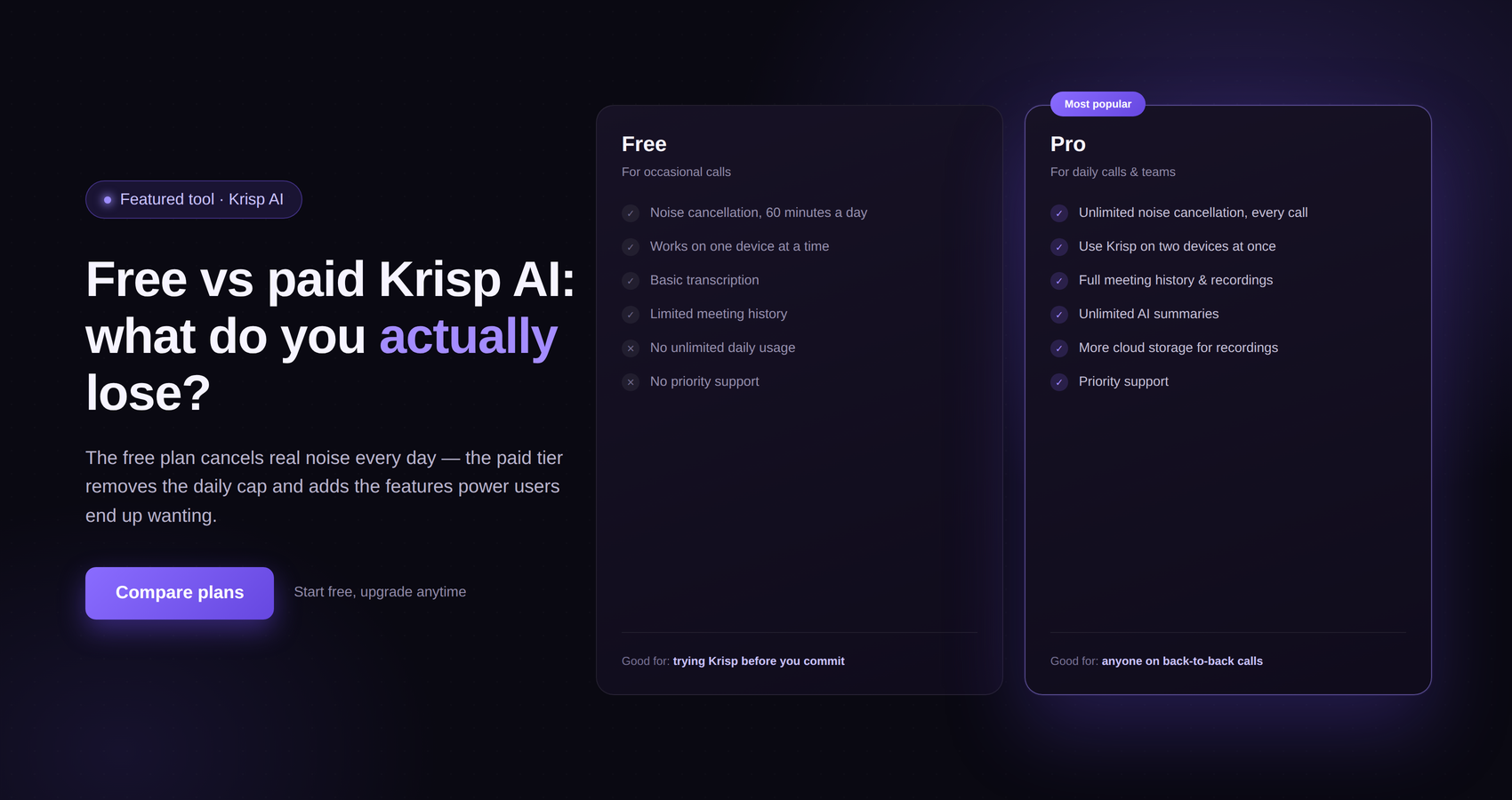
For travelers who want to test Krisp before committing to it, the current pricing page lists a free trial that includes access to premium features for seven days without requiring a credit card.
Krisp also offers paid plans with different capabilities.
Its current pricing information lists a Core plan and an Advanced plan, with features varying by plan. The listed features include noise cancellation, AI note-taking, transcription, recording, meeting notes and action items, and other capabilities.
Because software plans and pricing can change, it is sensible to check Krisp’s current pricing page before making a purchasing decision rather than relying on an old article or screenshot.
For someone who only occasionally works from cafés or airports, trying the available option first can be a practical way to determine whether Krisp fits their workflow.
Krisp is only one part of a good travel-work setup.
You may also want a reliable browser, cloud storage, password manager, communication applications, project-management tools, and a backup internet connection.
For people who work internationally, an eSIM or mobile data plan can also be useful when public Wi-Fi is unreliable.
A portable charger is another simple but important tool.
Then there are physical accessories.
A compact laptop stand can improve your posture if you are working for several hours.
A small wireless mouse can make long editing sessions more comfortable.
A good headset can make conversations easier to follow.
The goal is not to carry your entire home office around the world.
The goal is to identify the few things that solve the problems you actually encounter.
For someone who spends a lot of time on calls, audio processing may be one of those things.
If you prefer to travel light, your setup could be surprisingly small.
You could start with:
A laptop.
A compact charger.
A reliable pair of headphones.
A portable power bank.
A backup internet option.
Krisp or another suitable audio-processing solution.
Your normal work applications.
That is enough for many remote workers to handle a normal day of emails, documents, research, meetings, and calls.
You do not necessarily need expensive studio microphones, large accessories, or complicated hardware.
The important thing is that each item solves a real problem.

A few minutes of preparation can make a bigger difference than buying another gadget.
First, check the battery level of your laptop and phone.
Second, make sure your headphones are charged or connected.
Third, test your internet connection.
Fourth, check the microphone.
Fifth, open your meeting application and verify the selected audio devices.
If you are using Krisp, confirm that the Krisp microphone is selected and that the appropriate noise-cancellation setting is enabled.
Sixth, listen to your own audio if your meeting platform provides a test function.
Finally, join the meeting a few minutes early.
This routine takes very little time, but it can prevent many common problems.
The biggest advantage of Krisp for a traveler is not that it lets you ignore your surroundings.
It is that it acknowledges a reality of mobile work: you cannot always control your surroundings.
A person working from a permanent office can sometimes close a door.
A traveler may not have that option.
An airport gate cannot be made silent.
A café cannot be turned into a private meeting room.
A hotel lobby cannot always be controlled.
Krisp’s approach is useful because it addresses the audio side of that problem through software.
Its noise-cancellation technology is designed to work in real time, filtering unwanted sounds while maintaining the speaker’s voice. Krisp has also published technical material describing how it evaluates different acoustic environments, microphones, room echoes, and speech-quality tradeoffs when developing its noise-cancellation technology.
For people who work from different locations every week, that flexibility is valuable.
It is also worth keeping expectations realistic.
No software can guarantee perfect audio in every possible environment.
If you are next to an extremely loud source, have a poor microphone, experience an unstable internet connection, or are dealing with other technical problems, noise cancellation alone will not solve everything.
There can also be situations where a physical solution is better.
If you have an important presentation and access to a private room, use the private room.
If you have a client call and the airport provides a quiet business area, use it.
If you can postpone a non-urgent meeting until you reach your hotel, that may be easier.
The smartest approach is to combine good judgment with good technology.
When people think about remote work, they often focus on productivity.
How quickly can you respond to emails?
Can you access your files?
Is the Wi-Fi fast enough?
Can you join the meeting?
Those are all important.
But communication quality deserves the same attention.
A traveler may look perfectly professional on camera while the microphone picks up every conversation happening around them.
That creates a strange situation where the person looks ready for a meeting but sounds as though they are standing in the middle of a terminal.
Audio is easy to overlook because you do not see it.
You notice it immediately when it goes wrong.
That is why adding a tool like Krisp to a mobile-work setup can be worthwhile for people who frequently take calls away from a traditional office.
If you travel once or twice a year, you may not need a dedicated mobile-work setup.
If you travel every month, however, building a repeatable system can save a lot of frustration.
Keep your headphones in an easily accessible part of your bag.
Carry the right charging cables.
Have a backup internet option.
Know which meeting applications you use most often.
Keep Krisp installed and configured if it fits your workflow.
Most importantly, learn how your equipment behaves before you need it.
The worst time to discover that your microphone settings are wrong is 30 seconds before a client presentation.
There is a broader change happening in the way people work.
Work is no longer necessarily tied to a particular building.
A person can answer emails from a hotel, attend a meeting from an airport, write an article from a café, and join another call from a coworking space later that day.
That flexibility creates opportunities, but it also introduces problems that traditional offices solve automatically.
An office gives you a predictable desk.
A meeting room gives you a relatively controlled environment.
A home office gives you familiar equipment.
Travel removes much of that predictability.
Tools such as Krisp are designed to compensate for one specific part of that problem: communication in environments where unwanted sounds are present.
That makes them particularly interesting for remote workers and frequent travelers.
Working from an airport or café does not have to mean accepting poor-quality calls.
The key is to think about your setup as a collection of small solutions rather than searching for one piece of technology that solves everything.
A reliable laptop handles your main work.
A good internet connection keeps you online.
Headphones help you hear conversations.
A portable charger keeps your equipment running.
And audio software can help deal with the sounds around you.
Krisp is particularly relevant when background noise is one of the biggest problems you face. Its AI-powered noise-cancellation technology is designed to suppress unwanted sounds and room echo while preserving the speaker’s voice, and its current product has expanded to include meeting-focused features such as transcription, AI notes, action items, and recording depending on the plan.
For someone who regularly works from cafés, airport lounges, coworking spaces, hotels, or other shared environments, that can make Krisp a useful addition to a travel-work toolkit.
It is not a substitute for choosing a sensible location or using a decent microphone. It is another layer of protection between your surroundings and the person on the other end of the call.
And sometimes that layer is exactly what you need.
A busy café will still be a busy café.
An airport will still have announcements.
People will still talk.
Suitcases will still roll past your table.
The difference is that with the right combination of equipment, preparation, and software such as Krisp, those unavoidable sounds do not necessarily have to dominate your next work call.