
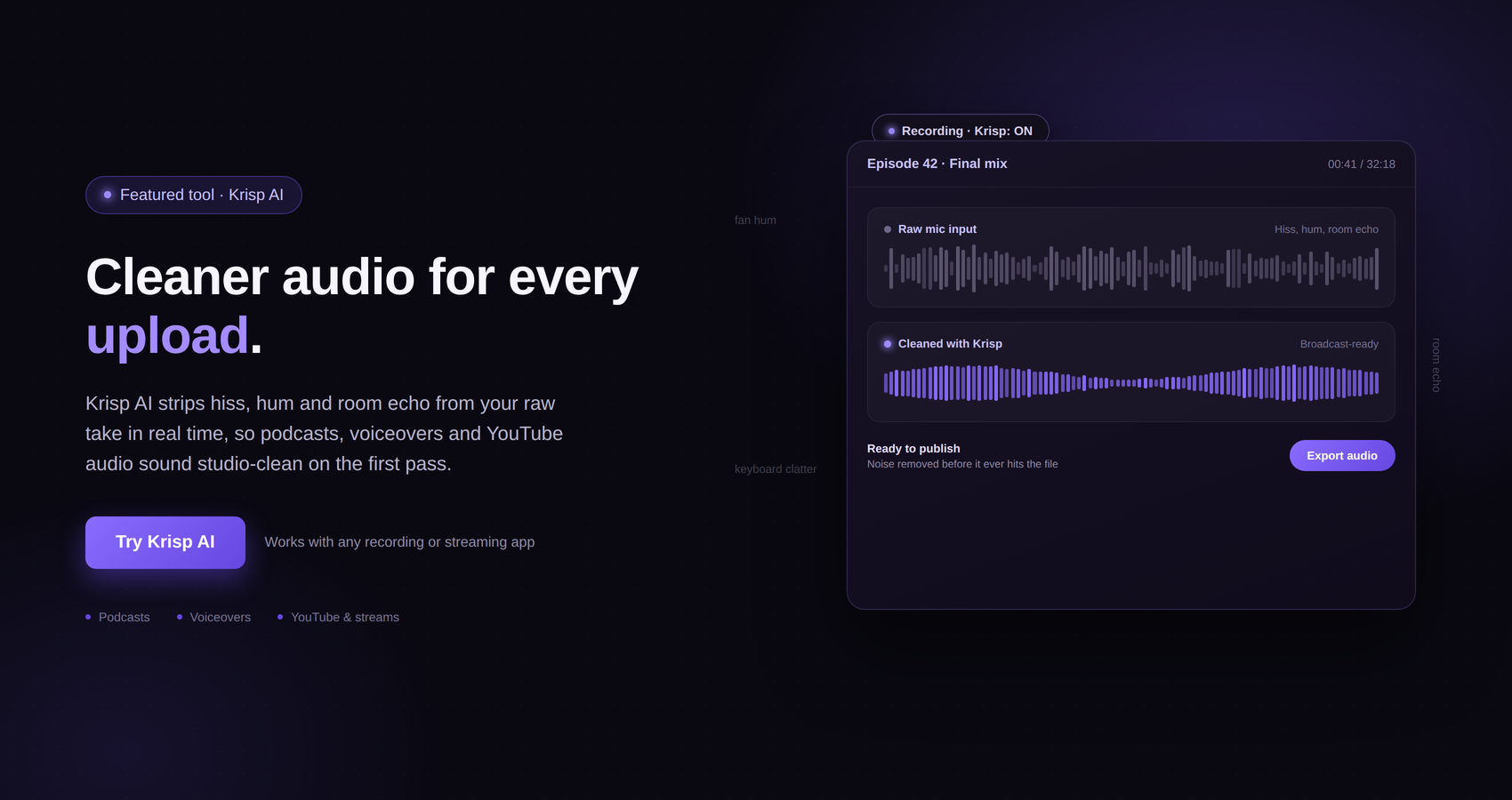
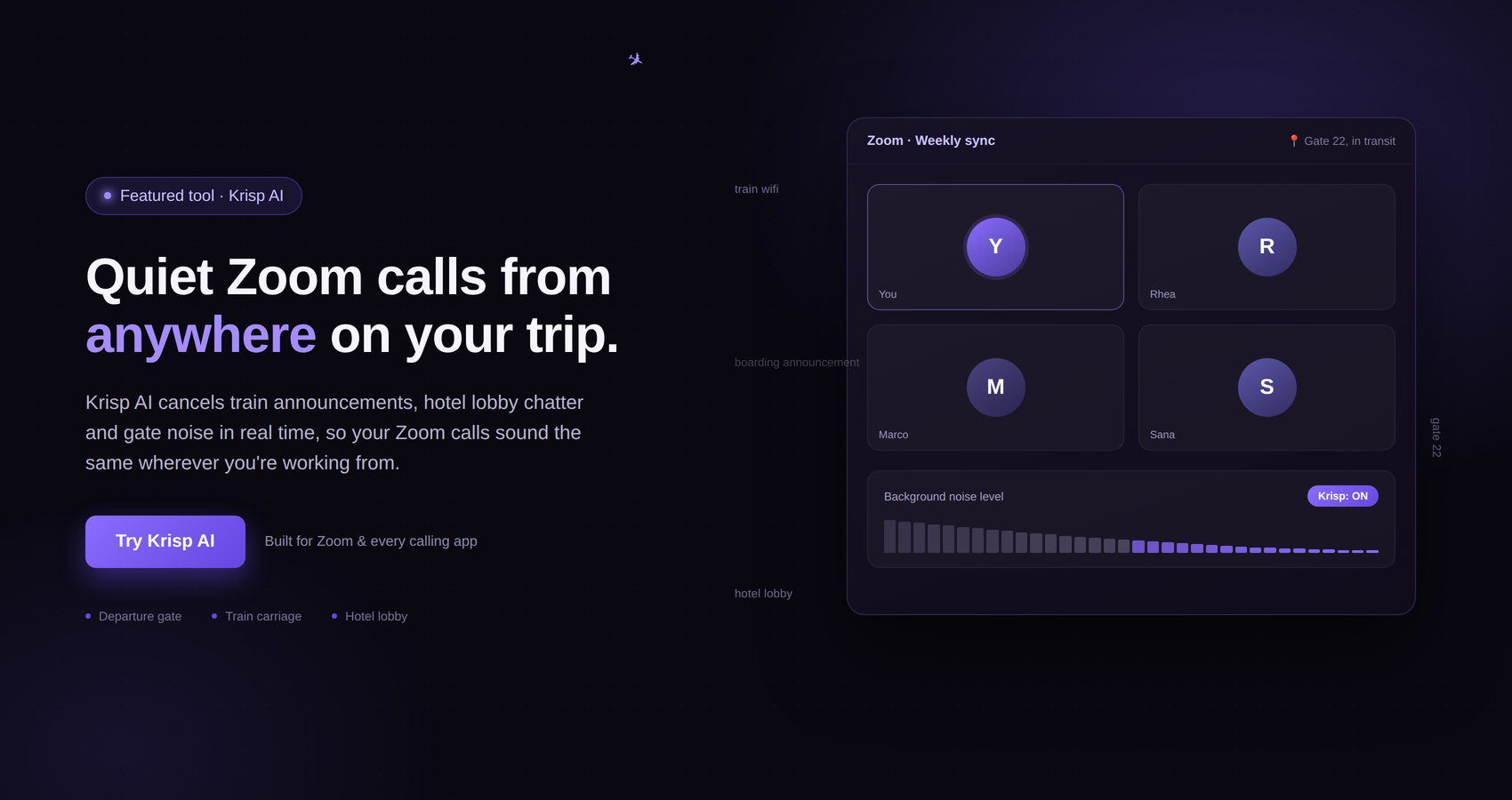


For content creators, good audio can make a bigger difference than many people expect. A viewer might forgive a video that is not shot with the most expensive camera, but poor audio can make the same video difficult to watch or listen to. Background conversations, keyboard clicks, traffic, fans, barking dogs, air conditioners, room echo, and other everyday sounds can quickly become distracting.
This becomes even more noticeable for creators who work from different locations. A YouTuber recording a voiceover in a bedroom has different audio challenges from a podcaster working in a hotel room. Someone recording a course from a home office may have to deal with household noise, while a travel creator might be trying to record from an airport lounge or café.
A good microphone certainly helps, but buying better hardware is not always enough. The room, surrounding environment, microphone placement, and other audio processing can all affect the final result.
This is where Krisp AI can be useful.
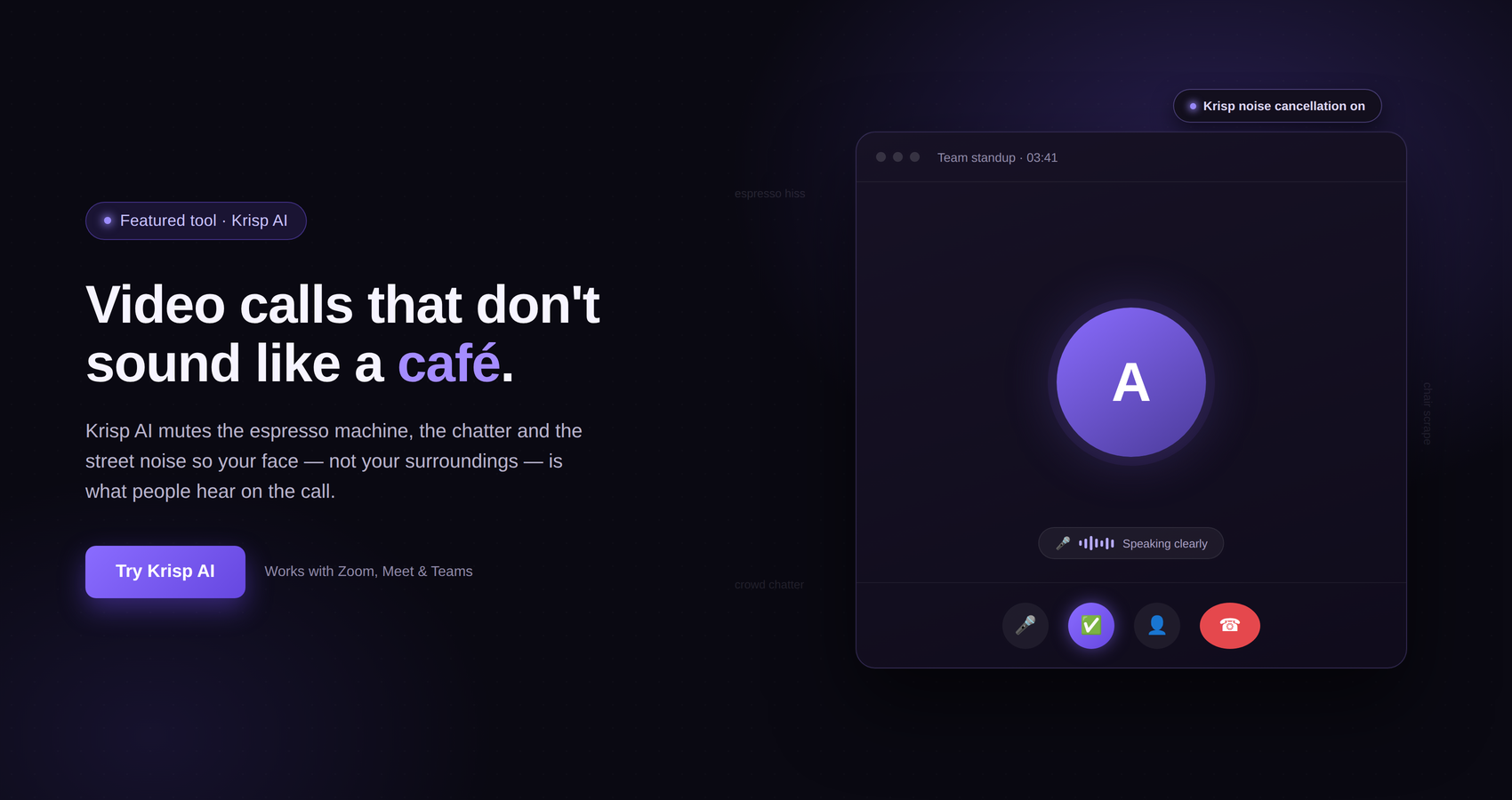
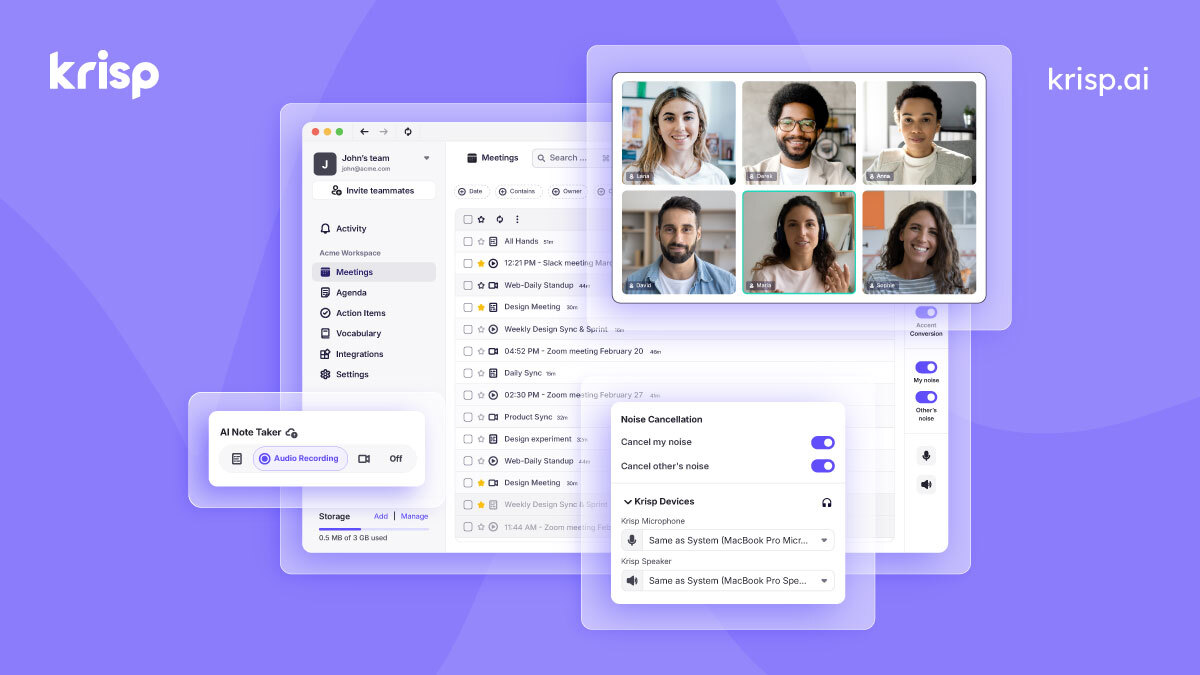
Krisp is a desktop application that provides real-time noise cancellation. Its Krisp Microphone and Krisp Speaker virtual devices sit between a user’s physical microphone or speaker and a communication application. Krisp processes audio on the device to remove unwanted background noise.
Although Krisp is primarily positioned around online communication, its audio technology can also be relevant to content creators who regularly record their voice through applications that can use Krisp as an audio input.
There is one important point to understand from the beginning: Krisp itself says it is not intended for post-production noise removal from already recorded audio. It is designed for real-time processing rather than being a traditional audio editor that cleans up an existing recording afterward.
That distinction matters, but it does not make Krisp irrelevant to creators. In the right workflow, reducing unwanted sound before or while audio is being captured can make recording sessions easier and more consistent.
Content has become increasingly audio-driven.
YouTube videos, podcasts, online courses, interviews, webinars, livestreams, social media videos, tutorials, product demonstrations, and voiceovers all depend on understandable speech.
A viewer does not necessarily need studio-quality sound. What they usually need is audio that is clear enough to understand without constantly concentrating on what the speaker is saying.
Consider a simple example.
Imagine watching a tutorial where the camera quality is excellent, the lighting looks professional, and the presenter knows the subject extremely well. However, there is a loud air conditioner running throughout the recording. Every sentence is competing with that constant hum.
The information may be valuable, but the listening experience becomes tiring.
Now consider another creator recording in a room where people are talking in the background. Even if the main speaker’s microphone is reasonably good, competing voices can draw attention away from the person viewers are supposed to be listening to.
These problems are especially common for creators who do not have a dedicated recording studio.
Many creators record wherever they happen to be working. A bedroom can become a studio. A home office can become a podcast room. A hotel desk can become a temporary production setup. A café can become a place to record an introduction or conduct an interview.
The ability to control the environment is limited in these situations.
That is one reason software-based audio processing can be useful.
Krisp describes itself as a noise-cancellation desktop application. Its system works by creating virtual audio devices called Krisp Microphone and Krisp Speaker. The physical microphone sends audio into Krisp, where it can be processed before being passed to the application being used.
On the microphone side, Krisp can process the sound coming from the user’s physical microphone and remove unwanted background noise before the audio reaches the communication application.
Krisp also provides speaker-side processing, which can remove unwanted sounds coming from other participants in a call.
For a content creator, the microphone side is the part that is most relevant when thinking about voice recording.
Krisp’s documentation describes its Noise Cancellation as operating in real time. The company also documents Background Voice Cancellation, which is designed to cancel background voices while retaining the primary speaker’s voice.
Krisp also documents echo cancellation. Its system addresses acoustic echo, which can occur when sound from speakers is picked up by a microphone, as well as room echo caused by sound reflections in rooms with hard surfaces or other acoustic conditions that produce reverberation.
For creators, these capabilities can be useful because unwanted sound is not limited to obvious background noise. Echo and competing voices can also affect how professional a recording sounds.
Background noise does not have to be extremely loud to become a problem.
A low-level fan, for example, may seem harmless when you are sitting in the room. Once you listen to the finished recording through headphones, however, the constant sound can become much more noticeable.
The same applies to keyboards.
A creator recording a tutorial may type frequently while speaking. A microphone positioned close to the keyboard can capture every key press. Some viewers may not mind, but repeated clicks can make a voice recording feel less clean.
Other examples include:
Air conditioners
Fans
Traffic outside a window
People talking nearby
Household appliances
Dogs barking
Babies or children making noise
Keyboard and mouse sounds
Café conversations
Office activity
Hotel corridor noise
Construction sounds
Background voices
Krisp specifically describes its Noise Cancellation as removing background noise and voices in real time.
That makes the technology particularly relevant to creators who frequently work in environments that they cannot completely control.
Not every content creator has a dedicated recording room.
A professional studio can provide controlled acoustics, good microphone positioning, isolation from external noise, and a consistent recording environment. But building one can be expensive and impractical.
Many creators start with what they already have.
They may have a laptop, a microphone or headset, and a small space at home. Some may record in a shared apartment. Others may work from coworking spaces or while traveling.
Krisp can provide an additional software layer between the physical microphone and compatible applications.
That does not turn a bedroom into a professional recording studio. It also does not replace good microphone technique.
What it can do is address certain types of unwanted audio in real time.
That distinction is important.
A creator should still pay attention to the physical recording environment. Moving away from a noisy window, closing a door, turning off an unnecessary fan, positioning the microphone correctly, and speaking at a consistent distance can all improve the original signal.
Krisp’s own best-practice documentation emphasizes this point. The company says Noise Cancellation quality depends on the audio Krisp receives and recommends proper microphone positioning, clear natural speech, and avoiding unnecessary layers of audio processing.
Voiceovers are one of the simplest examples of where clean audio matters.
A creator might record narration for a travel video, explainer, tutorial, review, documentary, or social media video. The voice is often the main source of information, so anything competing with it can reduce the listening experience.
Suppose you are recording narration from a home office while a fan is running nearby.
Without any noise processing, the microphone may capture both your voice and the fan. Depending on the microphone and recording setup, the fan may become part of the recording.
With Krisp’s real-time Noise Cancellation enabled, unwanted background sound can be processed before it reaches a compatible application.
This can be especially convenient when recording frequently rather than producing one carefully staged studio session.
Instead of stopping every few minutes because of a small environmental noise, a creator can work with the software enabled and monitor the result.
Krisp also provides a built-in Noise Cancellation testing tool. Its documentation explains that creators and other users can compare audio with and without Krisp while speaking in their normal environment. The test recording is processed locally and is not saved.
That makes it possible to test your actual setup instead of assuming that the software will work equally well in every situation.
Home offices are convenient recording locations, but they are rarely acoustically perfect.
A room may contain a computer fan, air conditioner, refrigerator noise from another room, street sounds, family conversations, or other everyday distractions.
A creator can improve the situation by choosing a quieter time of day and making simple changes to the room.
Krisp can then be used as another layer of protection against background noise.
This can be useful for creators who regularly record:
YouTube tutorials
Software demonstrations
Online lessons
Video introductions
Podcast segments
Remote interviews
Commentary videos
Voiceovers
Business content
Training material
The goal is not necessarily to make the audio sound like it was recorded in a professional studio.
The goal is to reduce distractions so the creator’s voice remains the primary focus.
Travel creators have a particularly difficult audio problem.
A hotel room may look quiet but still contain sounds that are difficult to control. There may be air-conditioning noise, hallway activity, traffic outside, plumbing sounds, neighboring guests, or room reflections.
A creator who travels frequently cannot realistically carry a studio everywhere.
This is where a software-based tool such as Krisp can be worth considering as part of a portable recording workflow.
A laptop and microphone can be enough to create a basic setup, while Krisp can provide real-time noise cancellation in compatible applications.
Krisp’s documentation specifically discusses room echo as a problem associated with large, unfurnished rooms, high ceilings, and hard surfaces such as glass, concrete, and wood. Its Room Echo Cancellation is designed to address this type of reverberation.
That does not mean every hotel room will suddenly sound acoustically perfect. Room shape, microphone quality, positioning, and other factors still matter.
But when a creator has limited control over the room, additional real-time processing can be helpful.
Cafés and coworking spaces are popular with remote workers and creators because they provide flexible working environments.
They are also difficult recording locations.
There may be conversations happening only a few feet away. Cups can be placed on tables. Chairs can move. Coffee machines can run. Doors can open and close.
For an important recording, a private room is usually easier to control.
However, creators sometimes need to record wherever they are.
Krisp’s Noise Cancellation is designed to remove background noise and voices in real time, making this type of environment one of the situations where the technology can be useful.
A creator should still test the setup before starting an important recording.
Krisp recommends using its built-in Noise Cancellation test so users can hear the difference between the untreated and processed versions in their actual environment.
That is much better than discovering after a 30-minute recording that the chosen settings did not produce the expected result.
Background voices can be particularly distracting in content.
If two people are speaking at the same time, the listener may struggle to focus on the primary speaker. This is even more noticeable when recording interviews or educational content.
Krisp offers Background Voice Cancellation, which is designed to cancel other people’s voices while keeping the primary speaker’s voice.
This can be relevant in shared working environments.
For example, imagine a creator recording a short video from a shared office. Two people begin talking nearby. Rather than having their conversation compete directly with the creator’s voice, Background Voice Cancellation may help reduce the competing voices.
The feature should still be tested in the actual environment, because audio processing results can depend on the microphone, distance, room, and other conditions.
Noise and echo are different problems.
Noise can be a continuous or intermittent unwanted sound, while echo or reverberation is caused by sound reflections.
A large room with hard surfaces can produce noticeable reflections. A creator may not notice them while recording, but the effect can become obvious when listening back.
Krisp documents both Acoustic Echo Cancellation and Room Echo Cancellation. Acoustic Echo Cancellation addresses sound from speakers being picked up by the microphone, while Room Echo Cancellation addresses reverberation within the recording environment.
This can be particularly relevant for creators working from temporary locations.
A furnished home office may have softer surfaces that naturally absorb some sound. A nearly empty hotel room with hard walls and floors can behave very differently.
Krisp cannot replace proper acoustic treatment, but its echo cancellation features can address certain types of echo in real time.
It is tempting to think that noise cancellation software eliminates the need for good recording equipment.
It does not.
A microphone still matters.
Microphone quality, placement, distance from the speaker, room acoustics, gain, and speaking technique all influence the audio that reaches the software.
If the original recording is extremely distorted, clipped, distant, or otherwise poor, software cannot magically recreate all of the missing information.
Krisp itself recommends paying attention to the quality of the microphone signal it receives. Its best-practice guidance recommends correct headset positioning, speaking clearly at a natural pace, and ensuring the microphone level is appropriate.
For creators, the sensible approach is to treat Krisp as part of the audio chain rather than the entire audio setup.
A reasonable workflow is:
Microphone → Krisp processing → compatible recording or communication application.
The physical microphone still captures the voice. Krisp then processes the incoming audio.
Krisp provides recommendations for audio hardware.
Its current help documentation says a wired USB headset with a dedicated boom microphone and no additional onboard audio processing can provide reliable results. Krisp also notes that Bluetooth headsets and shorter microphones can work, although results can be less consistent.
The important idea is not that creators need the most expensive equipment.
In fact, Krisp specifically notes that expensive hardware is not necessary for its use case.
Instead, creators should focus on getting a clean microphone signal and avoiding unnecessary layers of processing.
If the headset, operating system, recording software, and Krisp are all aggressively modifying the same audio signal, the result may become worse rather than better.
This is one of the most useful points for creators setting up Krisp.
More processing does not automatically mean better audio.
Krisp’s documentation recommends turning off other audio-processing features when appropriate, including overlapping noise suppression, echo cancellation, audio enhancements, and automatic gain control. The reason is that processing applied before Krisp can alter the original signal before Krisp receives it.
For example, a creator might have noise suppression enabled in the operating system, another noise filter enabled in a headset application, another one enabled in the recording application, and Krisp running at the same time.
That sounds like extra protection, but it can produce undesirable results.
A better approach is to keep the audio chain simple and test the final result.
If Krisp is doing the noise cancellation, avoid unnecessary competing filters unless there is a specific reason to use them.
The basic setup is relatively straightforward.
Krisp is a desktop application for Mac and Windows. After installation, it creates virtual devices called Krisp Microphone and Krisp Speaker.
The physical microphone is selected inside Krisp.
Then, in a compatible application, the creator selects Krisp Microphone as the input device.
Krisp’s setup documentation explains that an application needs to support virtual devices and provide audio settings where Krisp Microphone and Krisp Speaker can be selected.
The general workflow is:
Connect your physical microphone or headset.
Open Krisp.
Select the physical microphone inside Krisp.
Enable the appropriate Noise Cancellation options.
Open the recording or communication application.
Select Krisp Microphone as the input.
Test the audio before starting an important recording.
Listen to the processed result and make adjustments if necessary.
The exact settings available can depend on the Krisp version, device, and application.
One of the easiest mistakes a creator can make is starting a recording without testing.
It is frustrating to spend an hour recording a video and then discover that the microphone was too quiet, the wrong input was selected, or an audio-processing setting affected the voice.
Krisp includes a Noise Cancellation test that lets users compare audio with and without Krisp. The company recommends speaking naturally in the environment where the person normally works and including typical background noise during the test.
For content creators, this can become part of the normal pre-recording checklist.
Before recording:
Check the microphone.
Check the input device.
Speak for a few seconds.
Listen through headphones.
Test the noise cancellation.
Then begin the actual recording.
It takes very little time and can prevent much larger problems later.
Interviews create another audio challenge.
If you are recording an interview remotely, you are dealing with two different environments. Your guest may be in a home office, hotel room, café, or another location.
You cannot physically control their environment.
For calls and online communication, Krisp can process audio from the microphone and speaker sides. Its virtual audio devices are designed to sit between physical audio hardware and compatible applications.
That can make Krisp useful when the content creation workflow includes remote conversations.
However, creators should remember that every participant needs an appropriate setup if they want clean audio from their own side. Processing your microphone does not automatically repair poor audio that another person sends you.
Podcasters spend a lot of time thinking about microphones, room treatment, recording software, editing, and distribution.
Krisp can be considered as part of the live or real-time side of that workflow when the recording application can use Krisp as its microphone input.
The company has previously discussed HD Voice in the context of meetings, podcasting, recordings, and live streaming.
Still, creators should understand the distinction between real-time processing and post-production.
Krisp explicitly states that it is not intended for post-production use or for removing noise from already recorded audio.
So if you already have a finished WAV or MP3 file containing background noise, Krisp is not being positioned as a traditional audio restoration program for that file.
Instead, think of Krisp as something you can use while capturing or communicating in real time.
YouTube creators can encounter almost every audio problem imaginable.
Some record tutorials from home. Others create commentary videos, interviews, gaming content, travel guides, educational videos, reviews, and livestreams.
The common factor is that viewers need to hear the creator clearly.
For a creator working in a noisy environment, Krisp can be useful as part of the microphone setup when the recording workflow supports its virtual microphone.
The benefit is particularly straightforward for spoken content.
If the creator is explaining a destination, reviewing a product, teaching a skill, or providing commentary, unnecessary background noise can distract from the actual message.
Reducing that distraction allows the viewer to focus more easily on the speaker.
Online instructors often record long lessons.
That creates a different problem from recording a 30-second social media video.
If a creator records a 45-minute lesson and the room contains constant background noise, editing that noise out later can be tedious.
A real-time noise cancellation solution can potentially reduce certain background sounds while the lesson is being captured.
Again, the creator should test the result before recording the entire lesson.
Krisp’s documentation recommends testing Noise Cancellation and ensuring the microphone signal is configured properly.
For educators, consistency is especially useful. If every lesson is recorded using a similar microphone position and audio setup, the resulting course can have a more consistent listening experience.
Livestreaming presents one major challenge compared with conventional video production: the creator cannot always stop and fix something afterward.
A barking dog, unexpected conversation, keyboard noise, or other distraction can happen while the stream is live.
Real-time processing is therefore particularly relevant to livestreaming.
Krisp is designed around real-time audio processing rather than post-production. Its Noise Cancellation works between the physical microphone and compatible application, allowing the audio to be processed as it is being sent into the application.
For a streamer, this can be useful when the physical environment cannot be perfectly controlled.
However, it remains important to monitor the processed audio. Noise cancellation should help the voice, not become so aggressive that the voice itself sounds unnatural.
Software cannot completely compensate for poor microphone technique.
Krisp’s own best-practice guidance recommends speaking clearly and at a natural pace. The company explains that clear, steady speech makes it easier for its system to distinguish the user’s voice from background sound.
This is good advice regardless of which microphone or software you use.
Speak toward the microphone.
Keep a consistent distance.
Avoid suddenly moving far away.
Do not speak extremely quietly.
Avoid covering the microphone.
Give the system a clean voice signal to work with.
These simple habits can make a noticeable difference.
Privacy can matter to creators who record interviews, business discussions, client calls, or other sensitive conversations.
Krisp’s documentation says audio processing takes place locally on the user’s device and that Krisp does not send audio data from the machine to its servers for this processing.
This is an important aspect of how the product is designed.
Creators should still review Krisp’s current privacy documentation and the terms applicable to their particular product and account, especially if they use additional Krisp features beyond Noise Cancellation.
But for Noise Cancellation specifically, local processing is a key part of Krisp’s documented architecture.
It is worth repeating this because software tools can sometimes be misunderstood.
Krisp does not remove the need for good recording habits.
If possible, choose a quiet room.
Close unnecessary windows.
Turn off noisy appliances.
Keep your microphone at a sensible distance.
Use headphones when appropriate.
Avoid clipping the microphone input.
Test the recording.
Listen to the result.
Then start the full recording.
Krisp can complement these practices.
It should not be treated as permission to ignore the recording environment completely.
A simple creator workflow could look like this.
Start by choosing the quietest practical location.
Connect your microphone or headset.
Open Krisp and select the physical microphone.
Enable the appropriate Noise Cancellation feature.
Open the application you will use for recording or communication.
Select Krisp Microphone as the input device.
Speak normally for a test.
Use Krisp’s built-in test where available.
Listen to the processed audio.
If the result sounds good, begin recording.
If it does not, adjust the physical microphone position and check whether other audio-processing features are interfering.
This approach is much more reliable than turning on every available audio effect and hoping the final result sounds professional.
Krisp is useful for certain audio situations, but it is not designed for every recording problem.
If you have an already recorded audio file and want to remove noise during post-production, Krisp’s own documentation says it is not intended for that purpose.
Similarly, if the fundamental problem is severe microphone distortion, clipping, poor microphone placement, or extremely low-quality source audio, improving the physical recording setup may be more important.
Creators should also remember that aggressive audio processing can sometimes affect the natural character of a voice.
That is why testing is important.
The objective is not simply to remove as much sound as possible.
The objective is to make the speaker easier to hear while retaining a natural-sounding voice.
For creators who regularly work in noisy or unpredictable environments, Krisp AI can be a useful part of an audio workflow.
Its biggest advantage is the fact that Noise Cancellation happens in real time. Krisp creates virtual microphone and speaker devices that can be selected in compatible applications, allowing its processing to sit between physical audio hardware and the application.
That makes the product relevant to creators who record or communicate from places such as home offices, coworking spaces, hotel rooms, cafés, and other environments where perfect acoustic control is difficult.
Its documented features include Noise Cancellation, Background Voice Cancellation, and echo cancellation, while its current product ecosystem also includes other communication and meeting-related features.
The key is to use the software realistically.
Krisp is not a replacement for a microphone.
It is not a traditional post-production noise-removal editor.
It does not eliminate the importance of room acoustics or microphone technique.
Instead, it provides a real-time audio-processing layer that can help reduce unwanted sound while you are communicating or recording through a compatible application.
Good audio does not always require a complicated studio.
For many creators, the biggest improvement can come from combining sensible recording habits with the right tools.
A good microphone gives you a stronger starting point. A suitable room reduces unwanted sound. Proper microphone positioning helps capture the voice clearly. And a real-time audio-processing tool such as Krisp can help deal with certain background noises, voices, and echo-related problems.
Krisp is particularly interesting for creators who do not always have control over where they work.
A travel blogger recording from a hotel room, a YouTuber working from a home office, a podcaster conducting remote interviews, a teacher recording lessons, or a livestreamer working from a shared space can all face different versions of the same problem: the environment does not always cooperate.
Krisp’s approach is to process the audio in real time, rather than asking creators to repair everything afterward. Its official documentation also makes clear that getting the best results depends on the quality of the incoming microphone signal, proper device setup, and avoiding unnecessary layers of audio processing.
For creators interested in trying it, the best approach is simple: set up your normal microphone, enable Krisp, run a test in the environment where you actually record, and listen carefully to the result.
If the processed audio sounds natural and the distracting background noise is reduced, Krisp can become a practical part of your recording workflow.
For creators who frequently record outside a controlled studio, that flexibility can be especially valuable.